B-14. 公式画像で見るContent Editor操作
このページは、Webflow公式サイト、公式Updates、公式Help Centerの画像をマニュアル内に追加するための整理ページです。公式画像を使う場合も、Booost固有のサイト名、未公開ページ、個人情報が写る画面は避けてください。
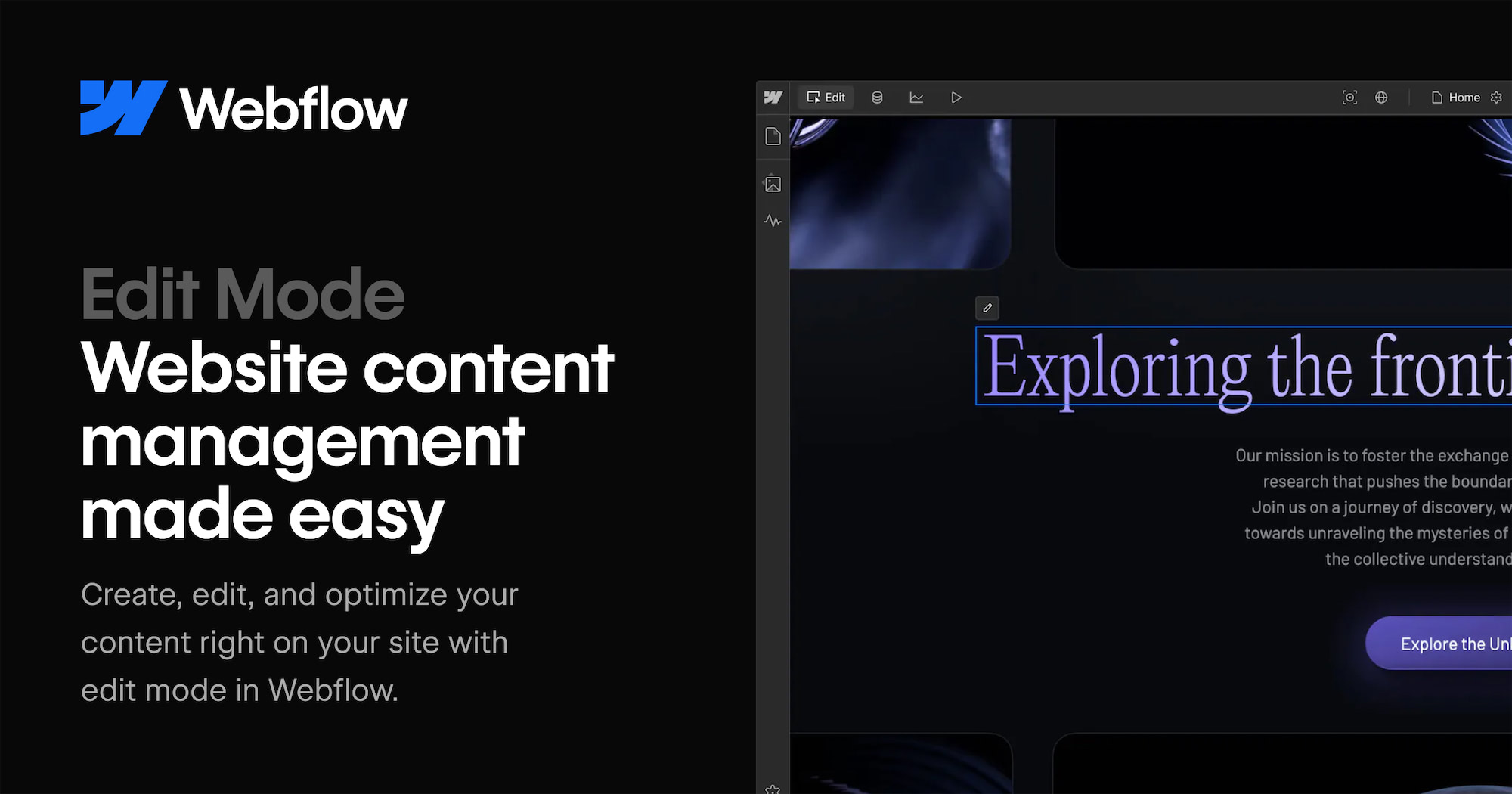
公式画像ギャラリー
Content editing
出典: Create and edit website content with edit mode
CMS
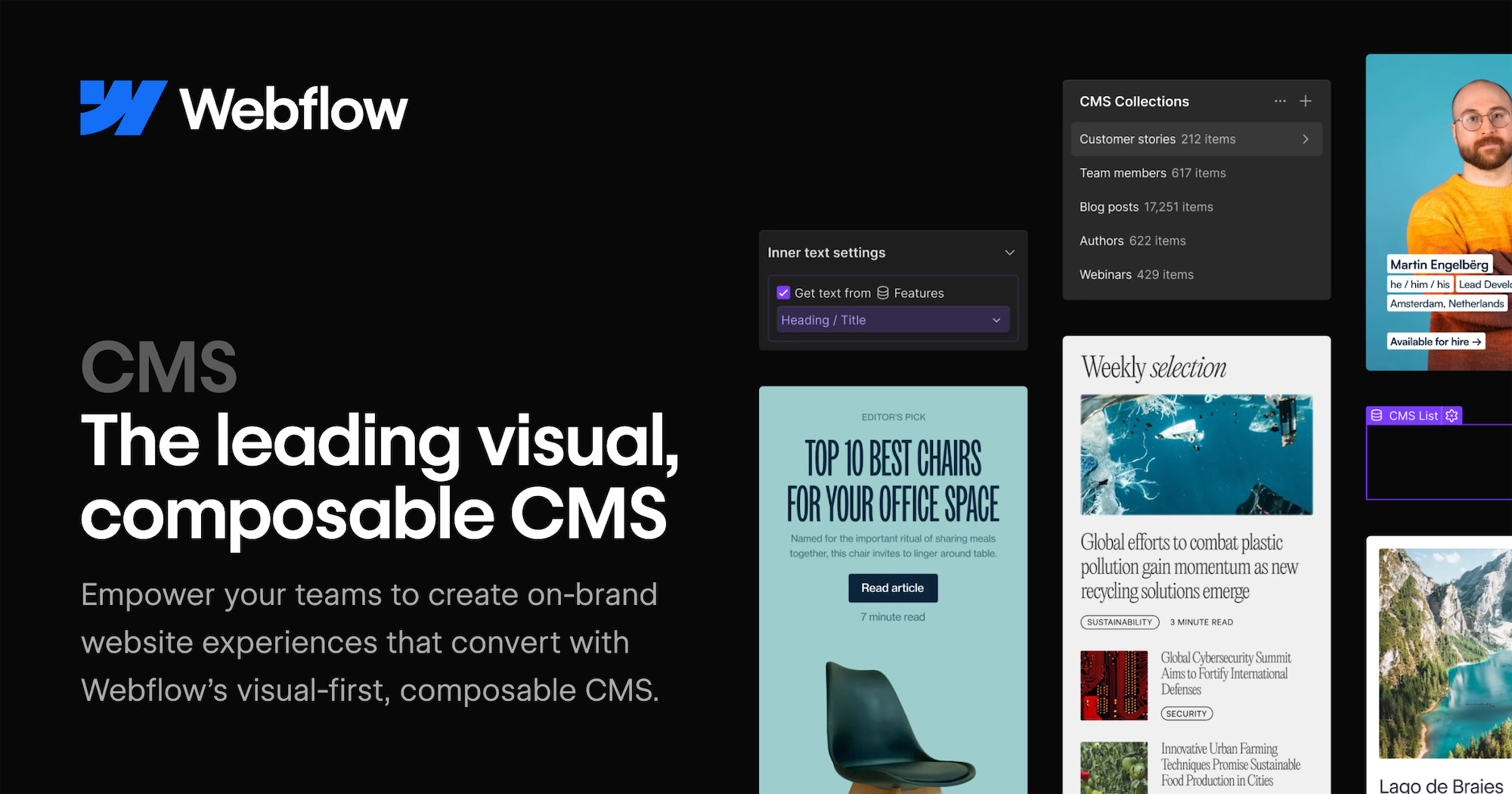
出典: CMS features
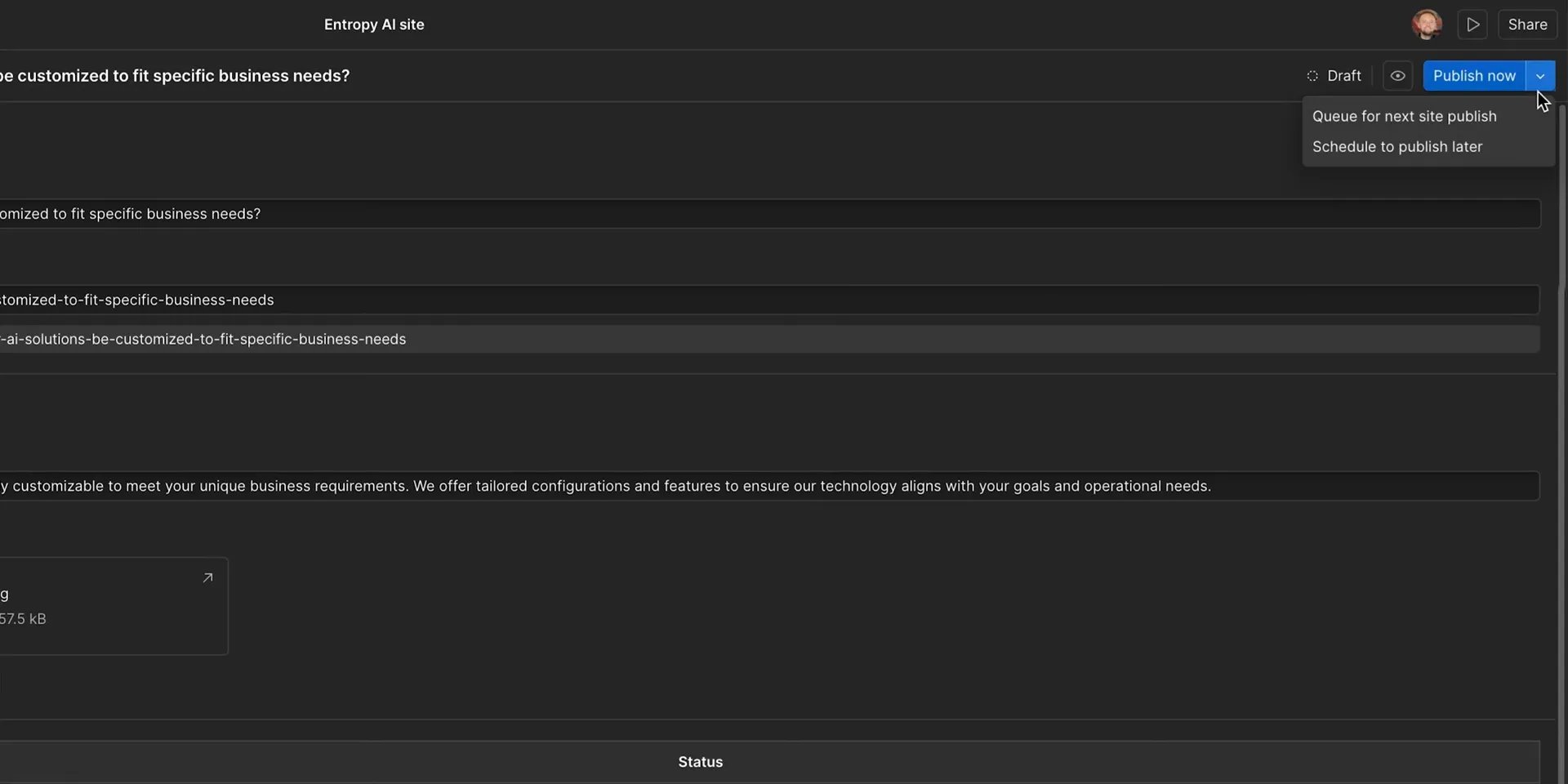
CMS draft and publishing workflow

出典: Improvements to the CMS Drafting and Publishing Workflow
CMS auto-save
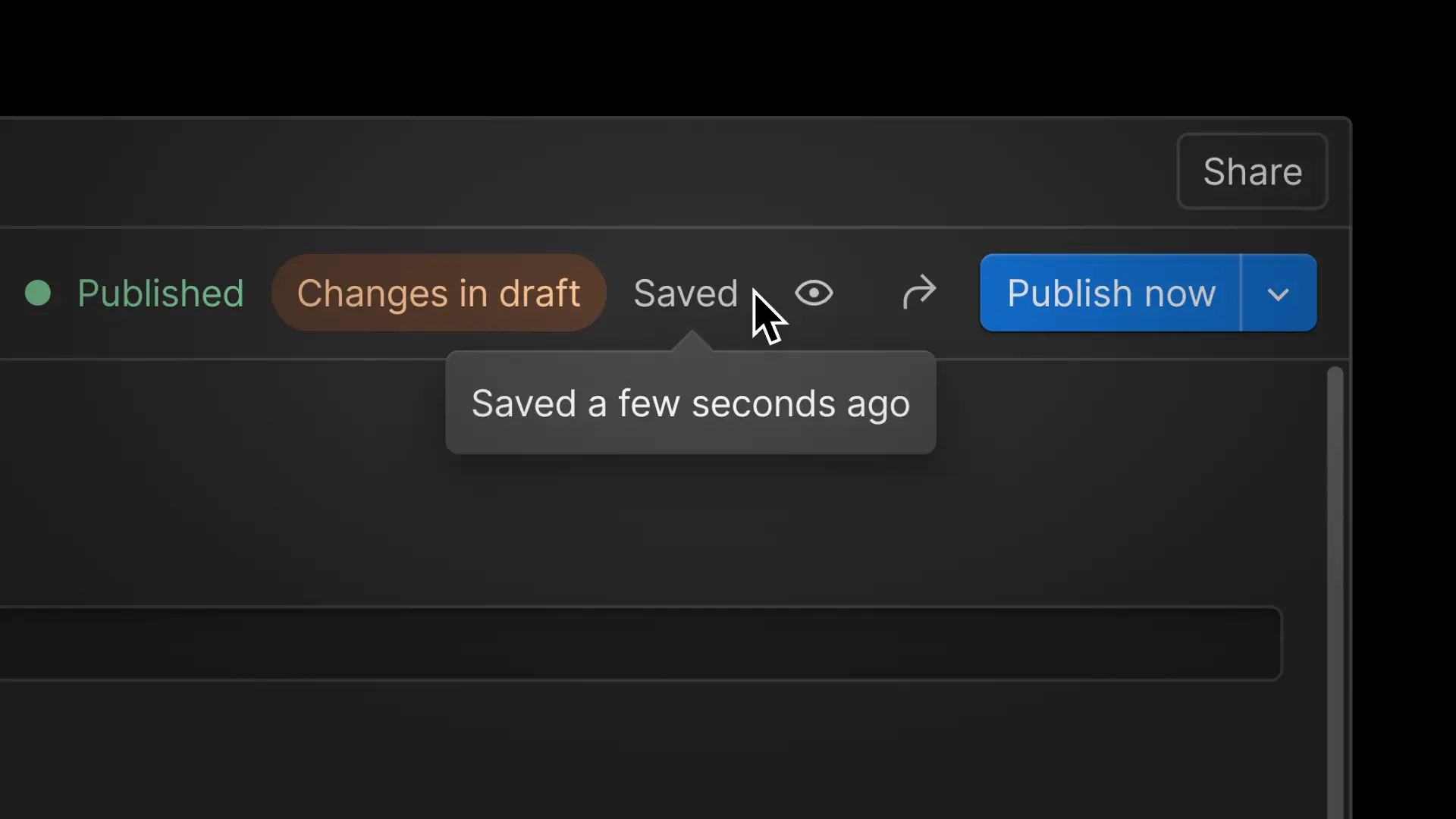
出典: CMS auto-save
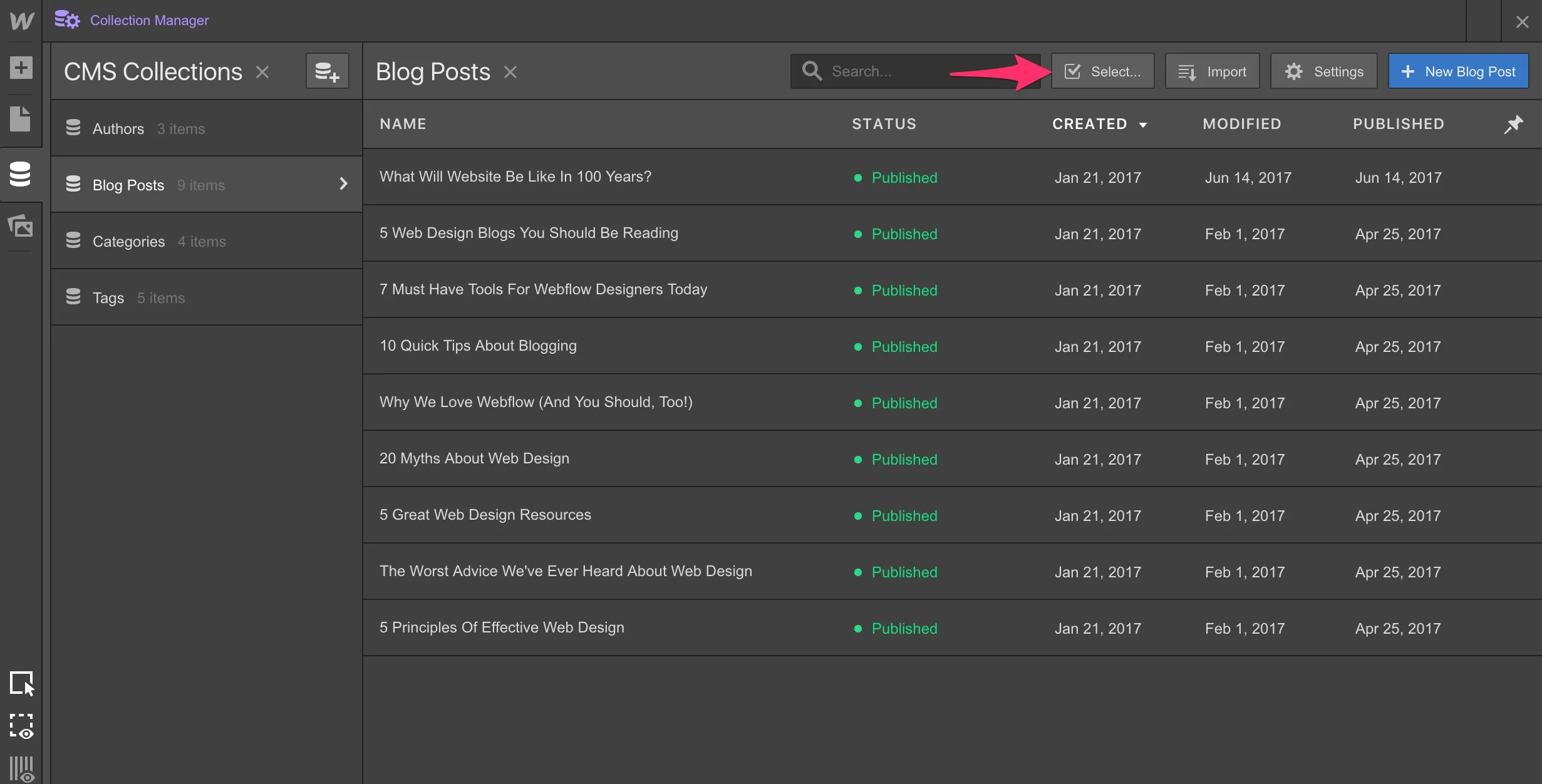
Bulk publishing
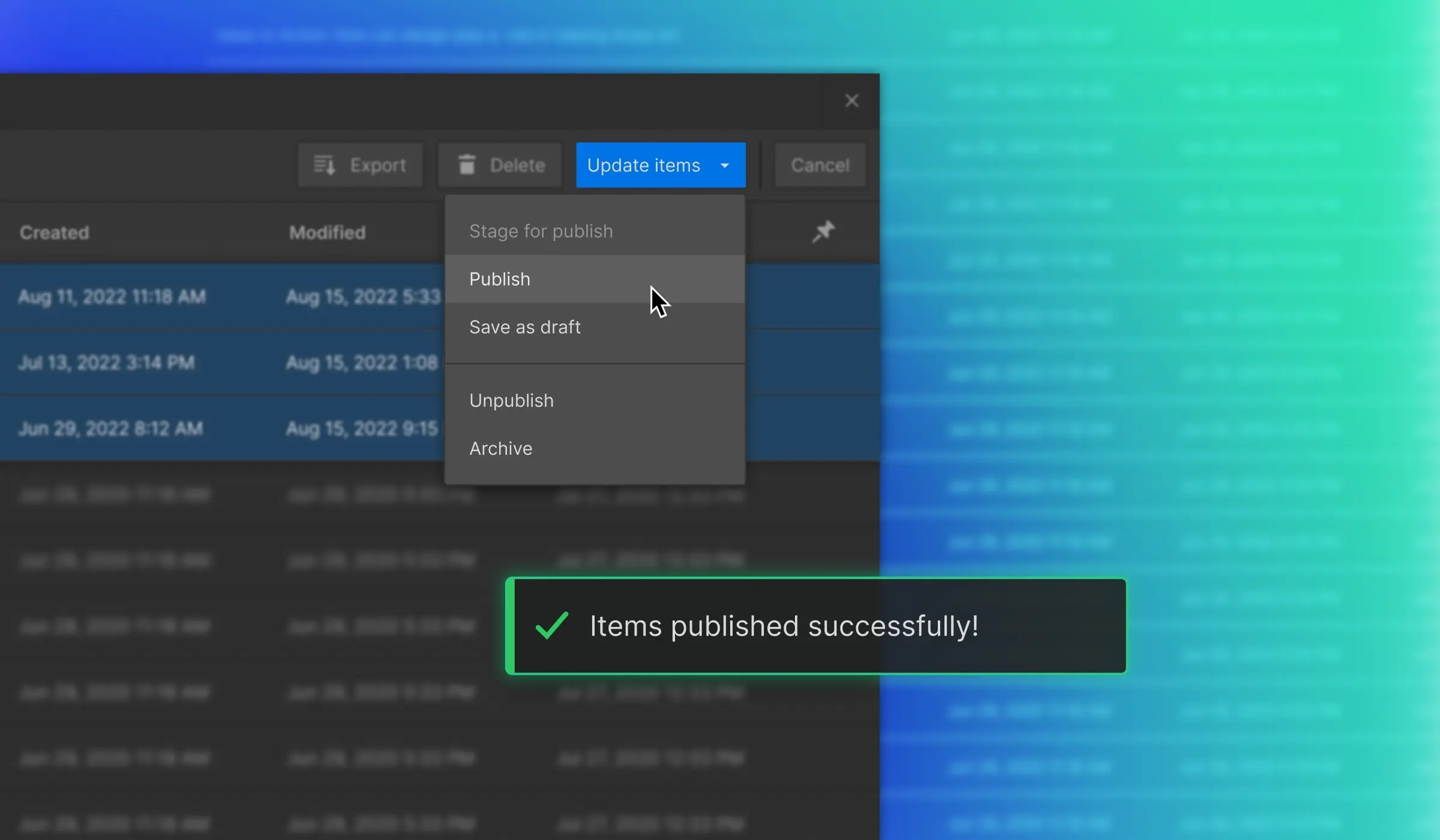
出典: Publish and unpublish multiple CMS items at once
CMS item creation
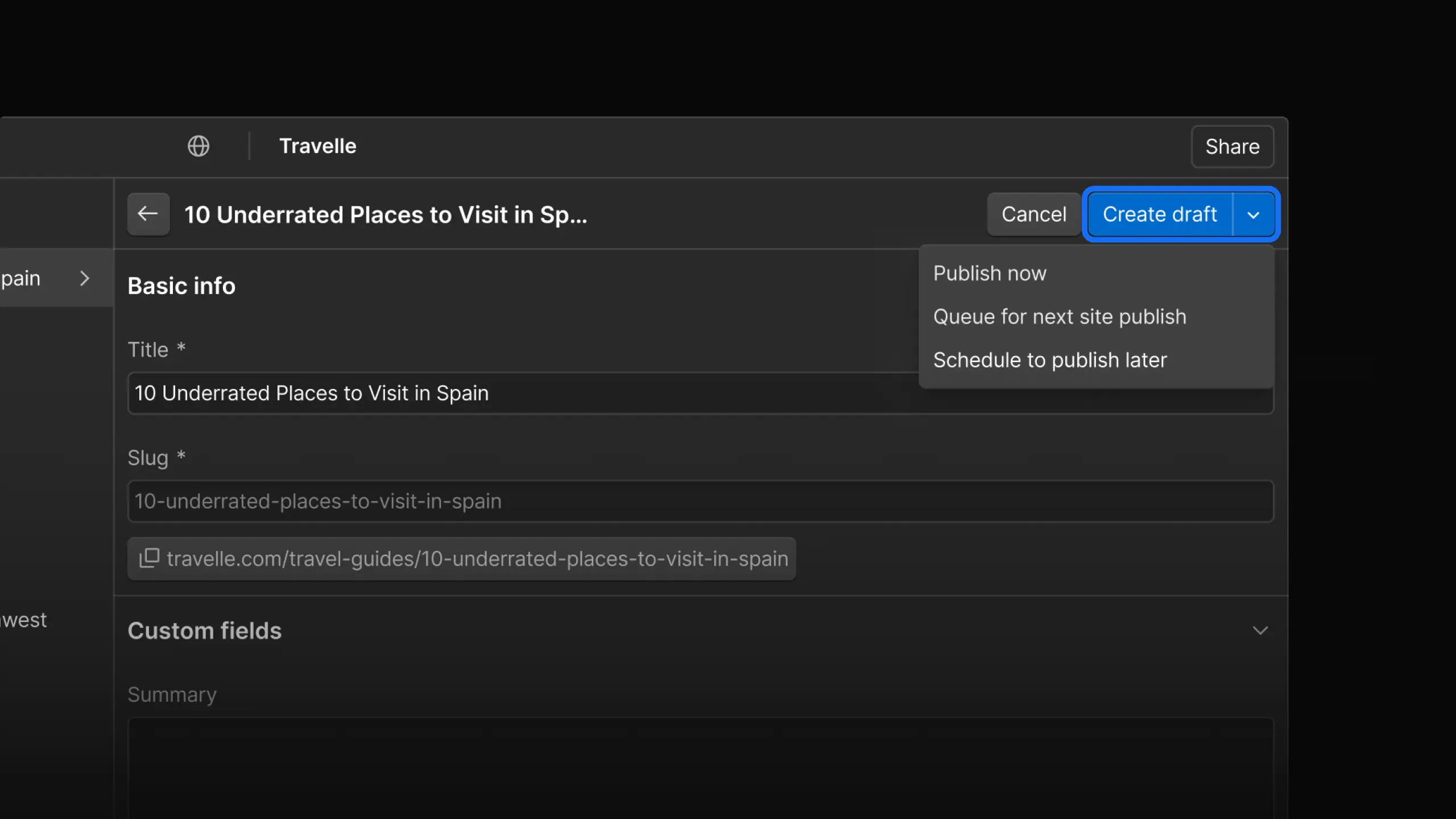
出典: Faster CMS item creation and undo/redo improvements
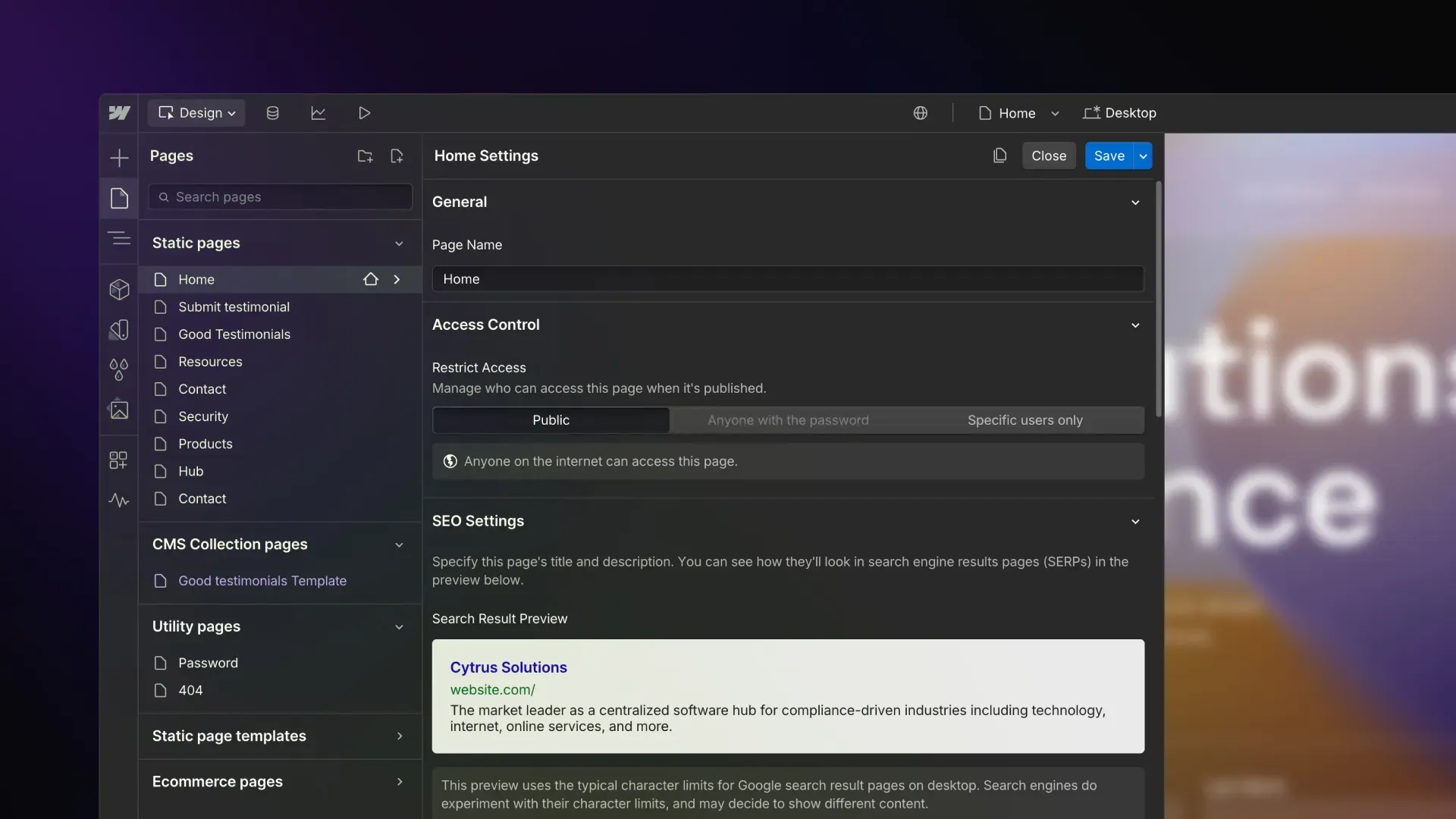
SEO
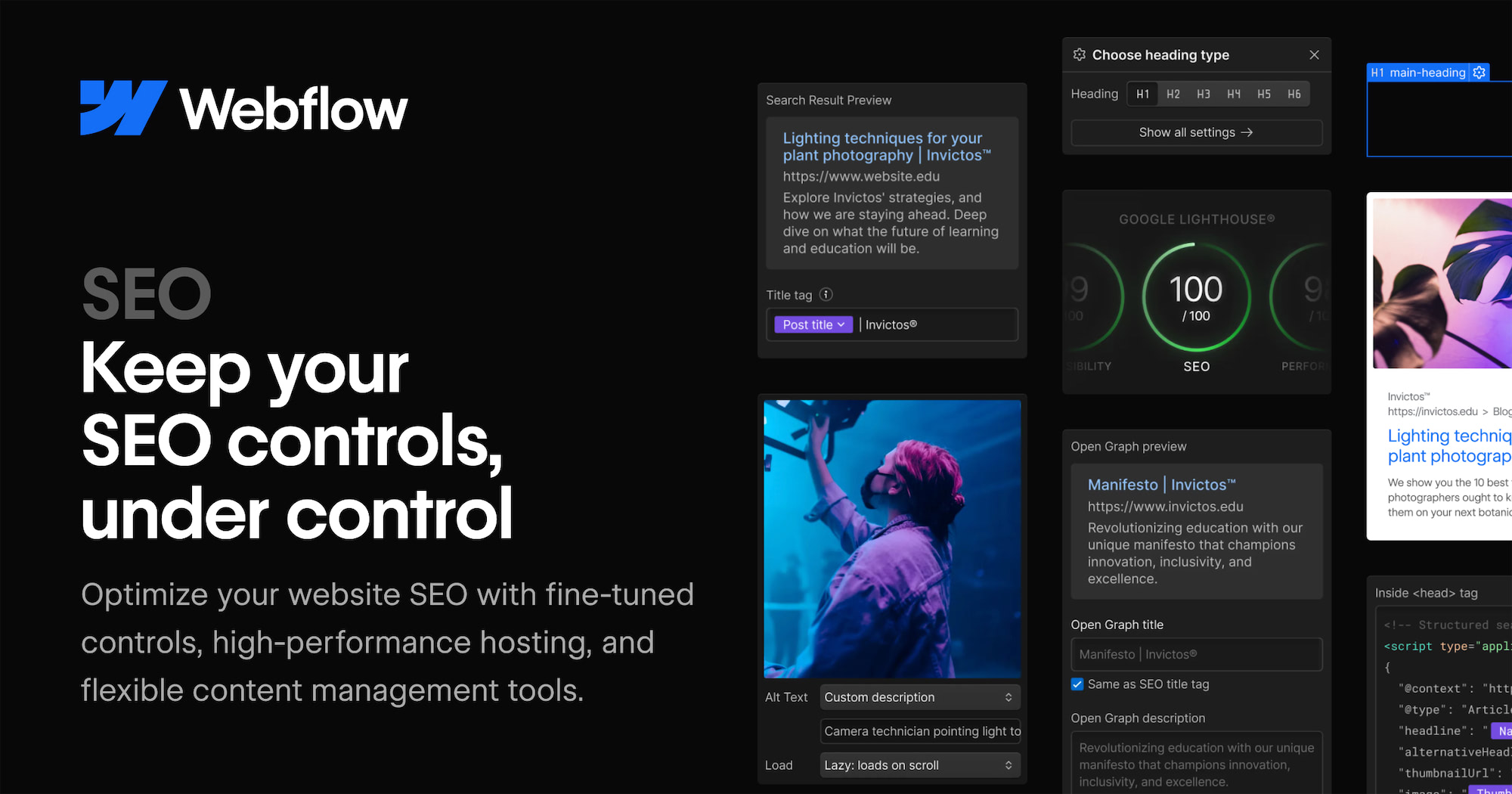
出典: SEO features
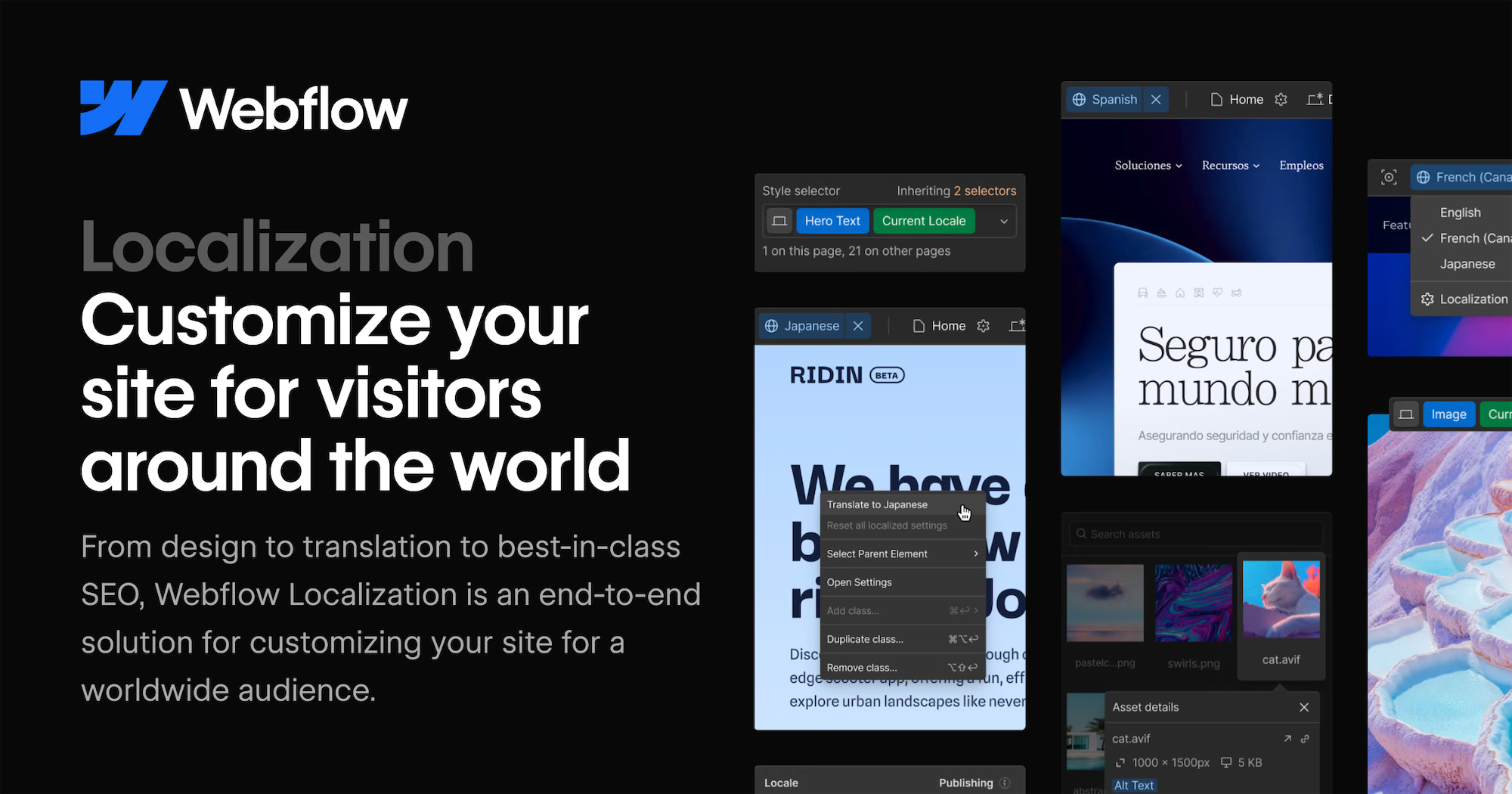
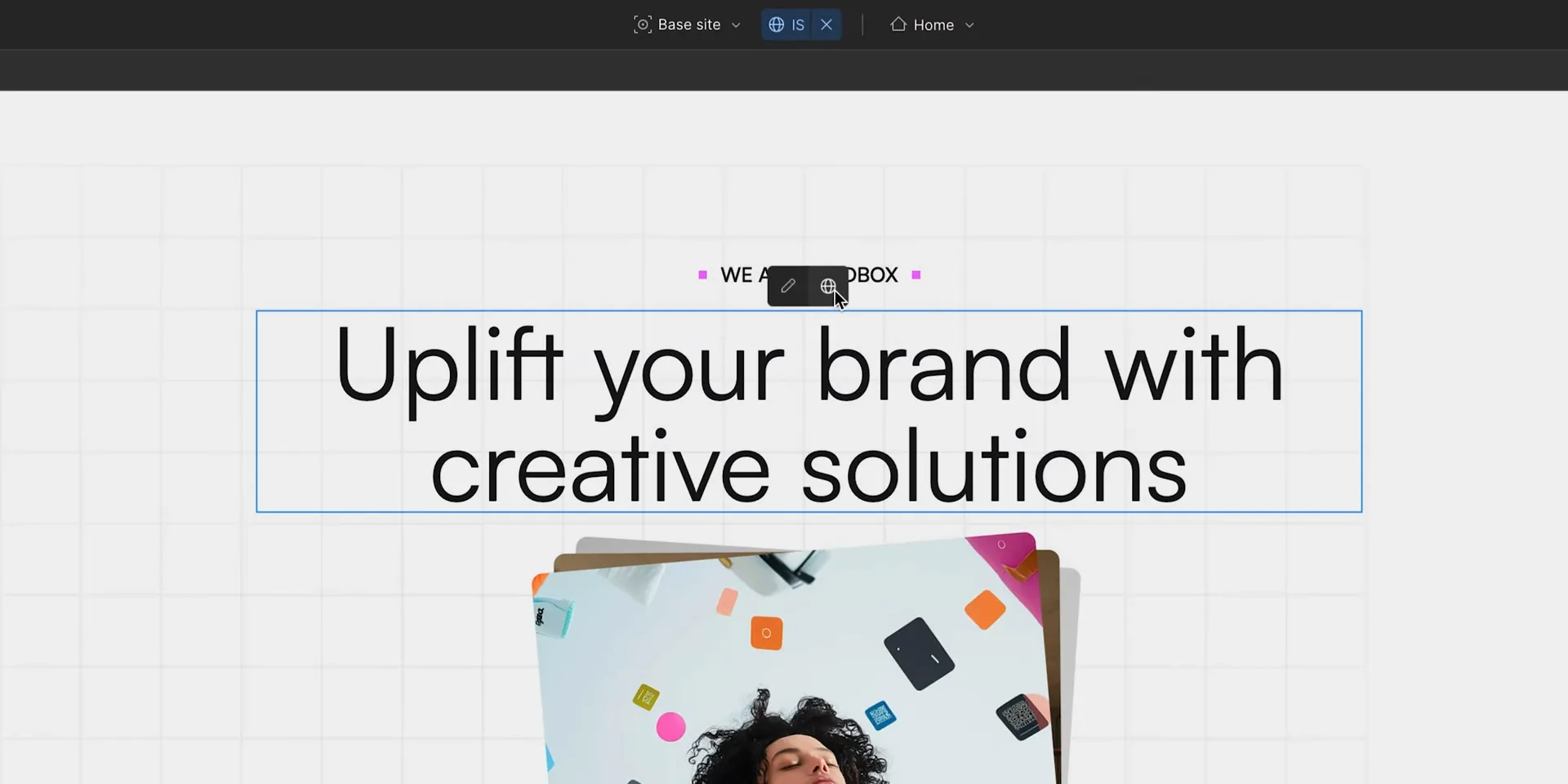
Localization
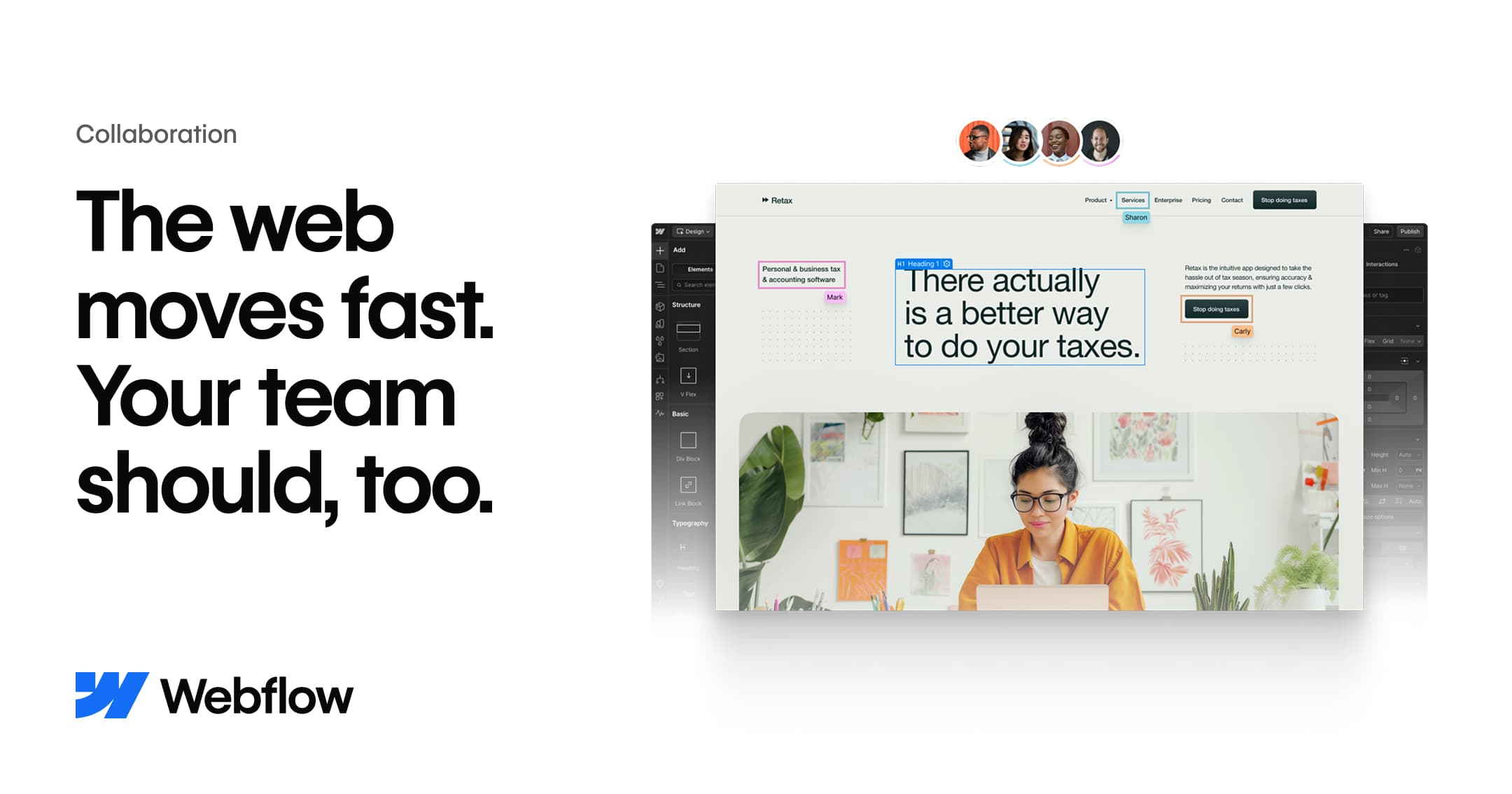
Collaboration
Webflow Updates
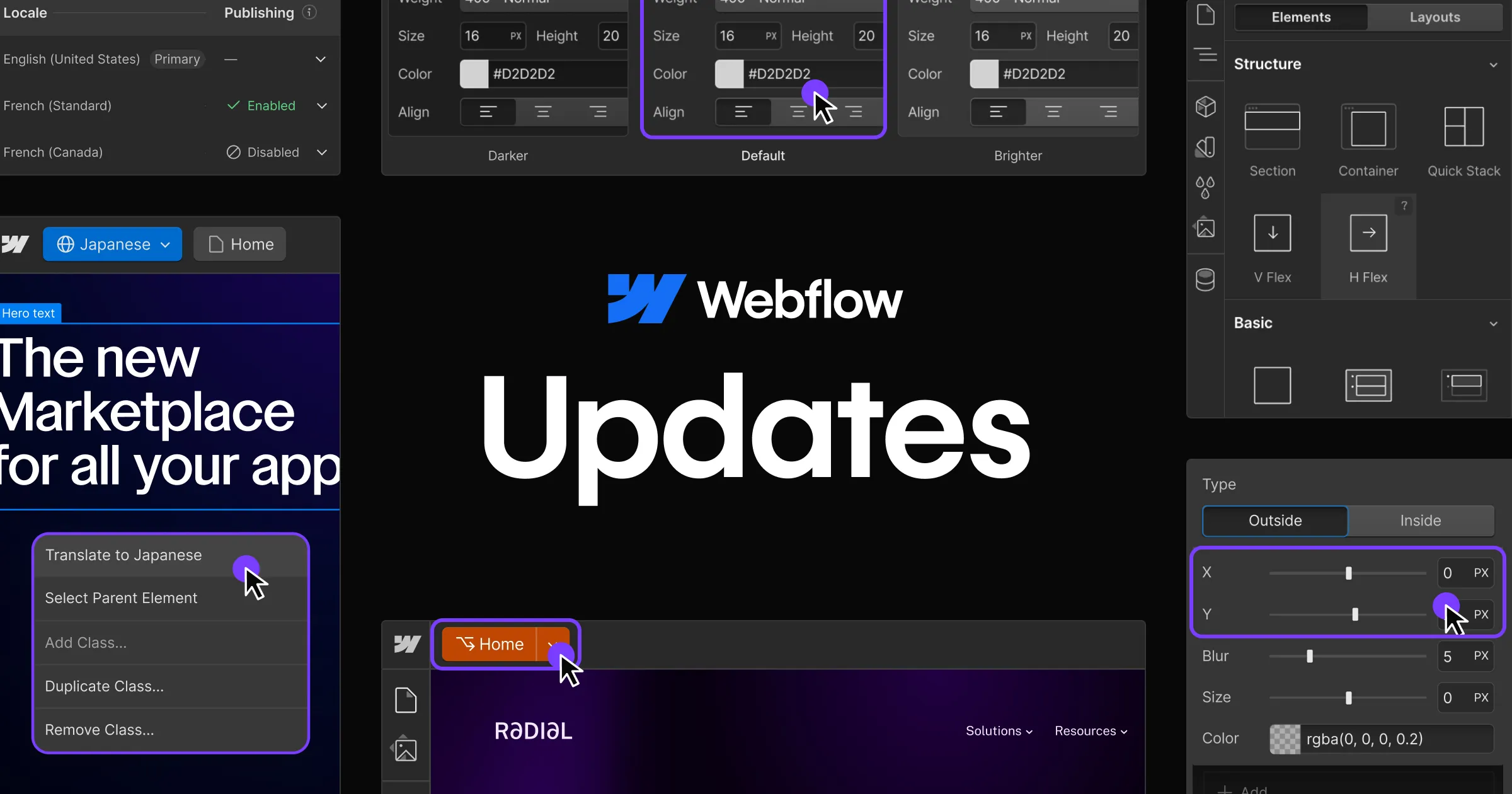
出典: Webflow Updates
Single page publishing
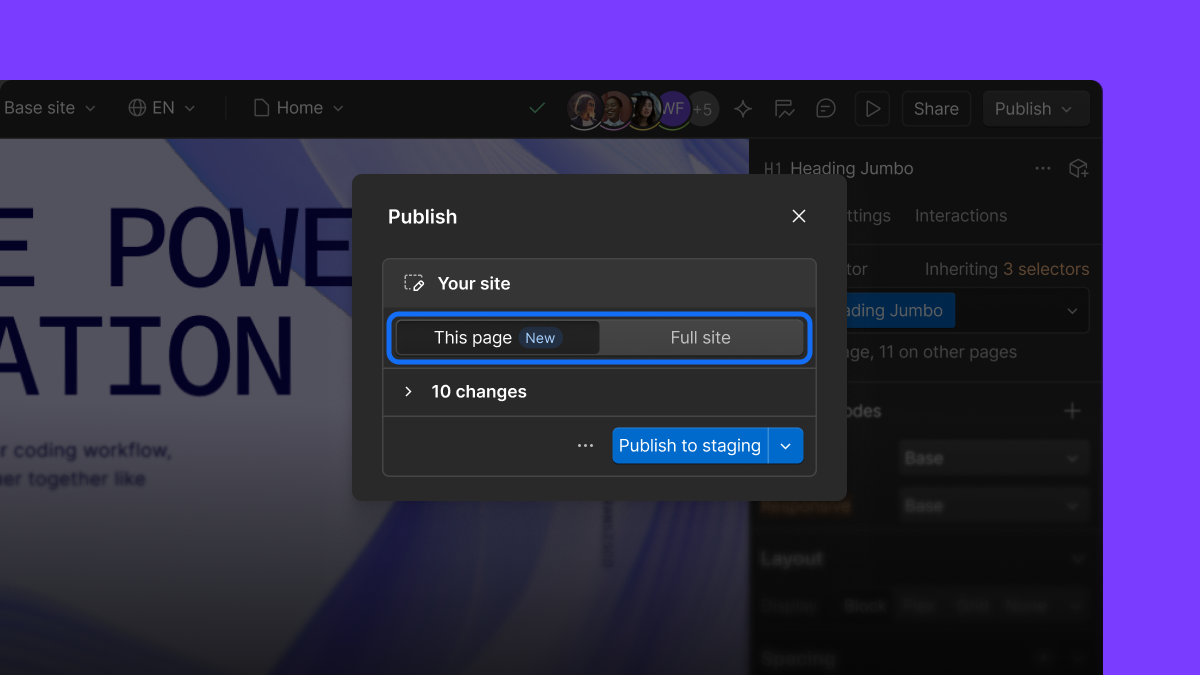
Single page publishing access
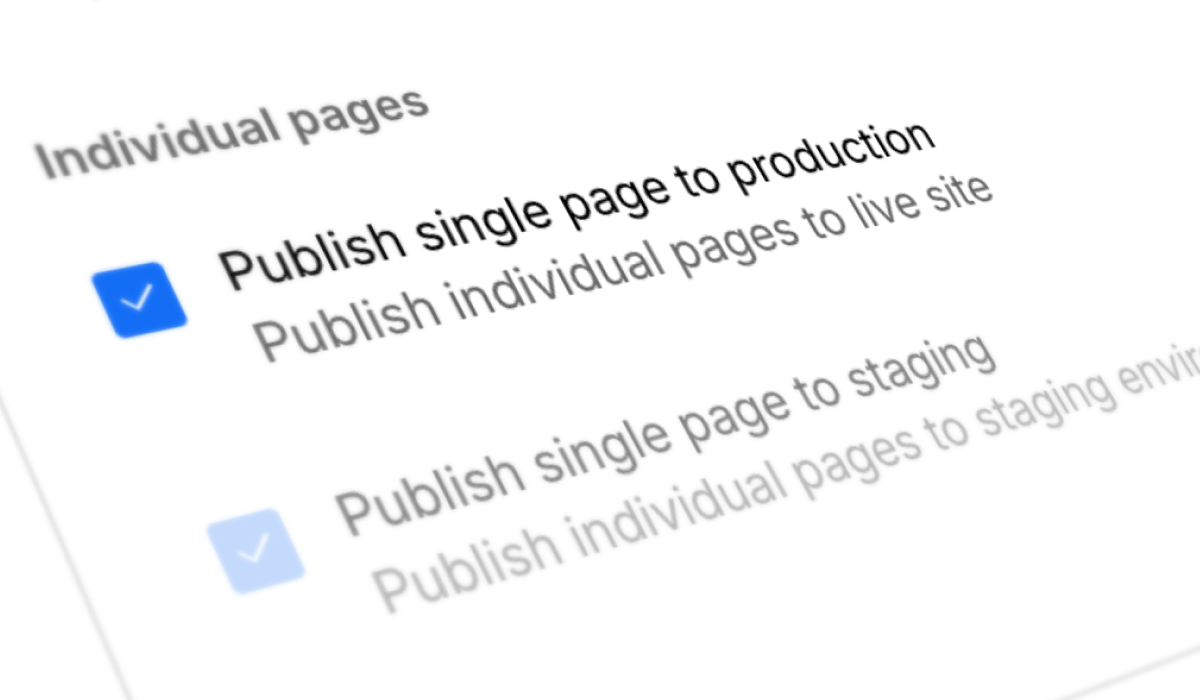
出典: Single page publishing access
Next-gen CMS
出典: Next-gen CMS available for everyone
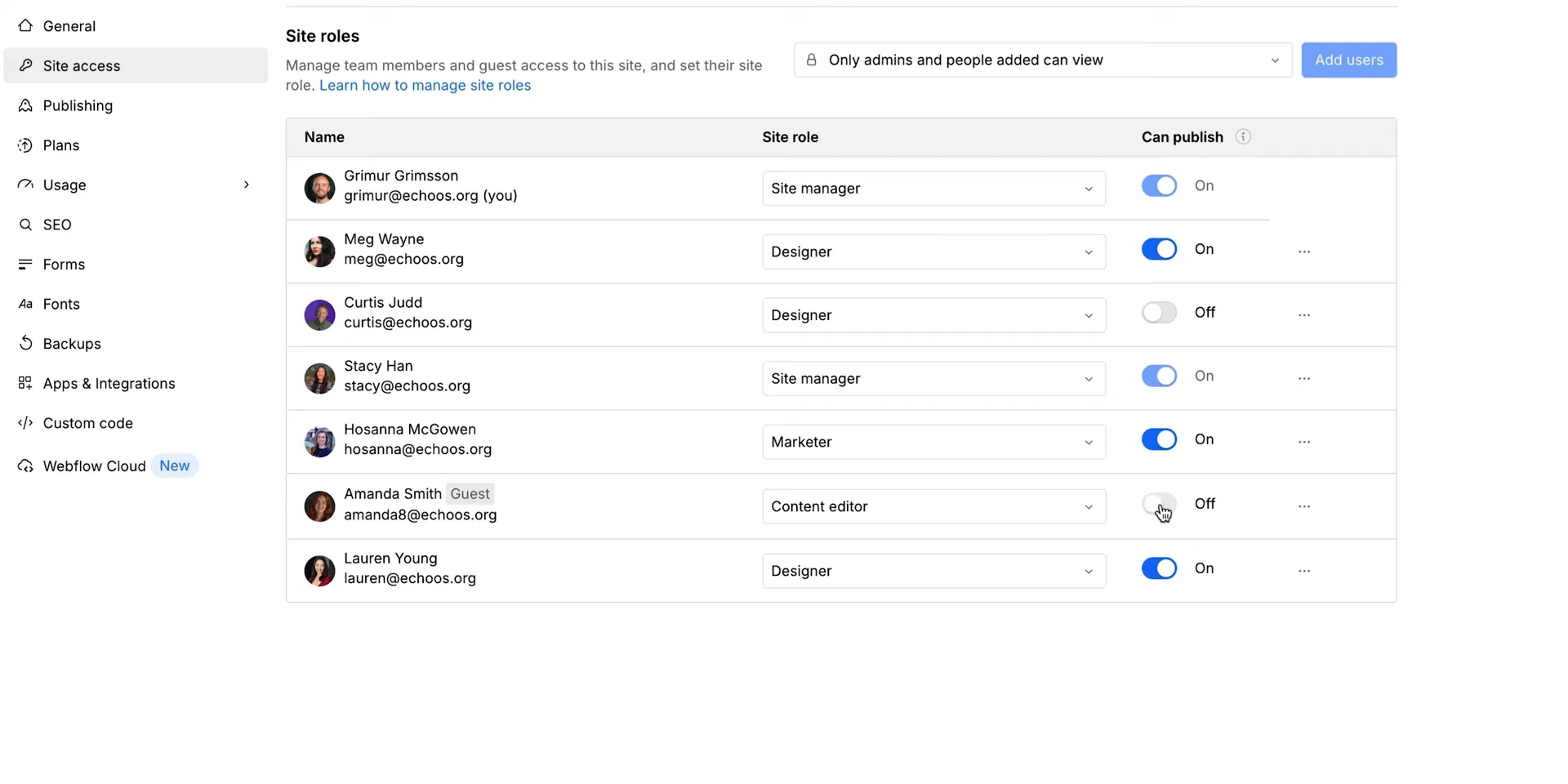
Publishing permission toggle
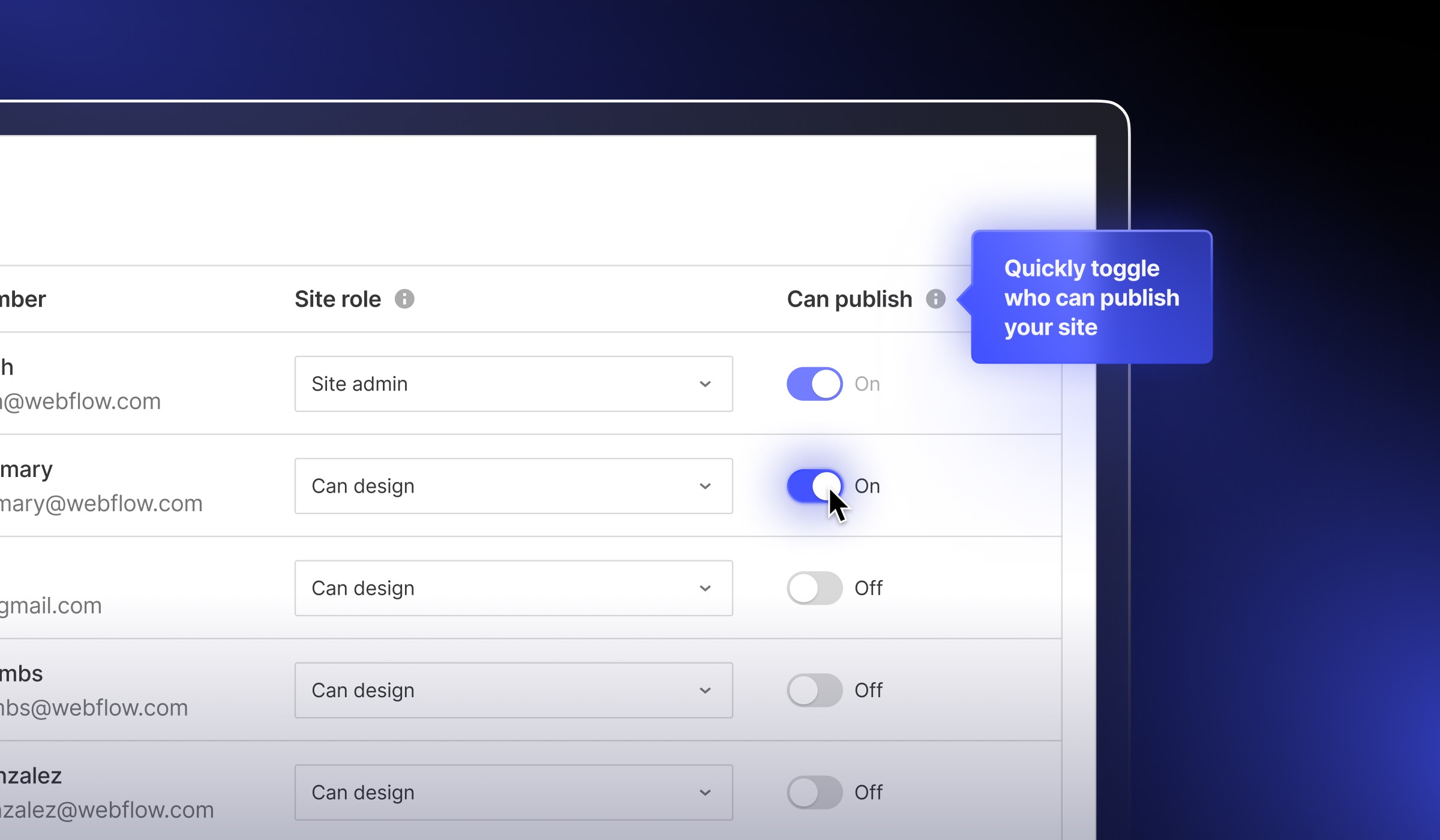
出典: Publishing permission toggle
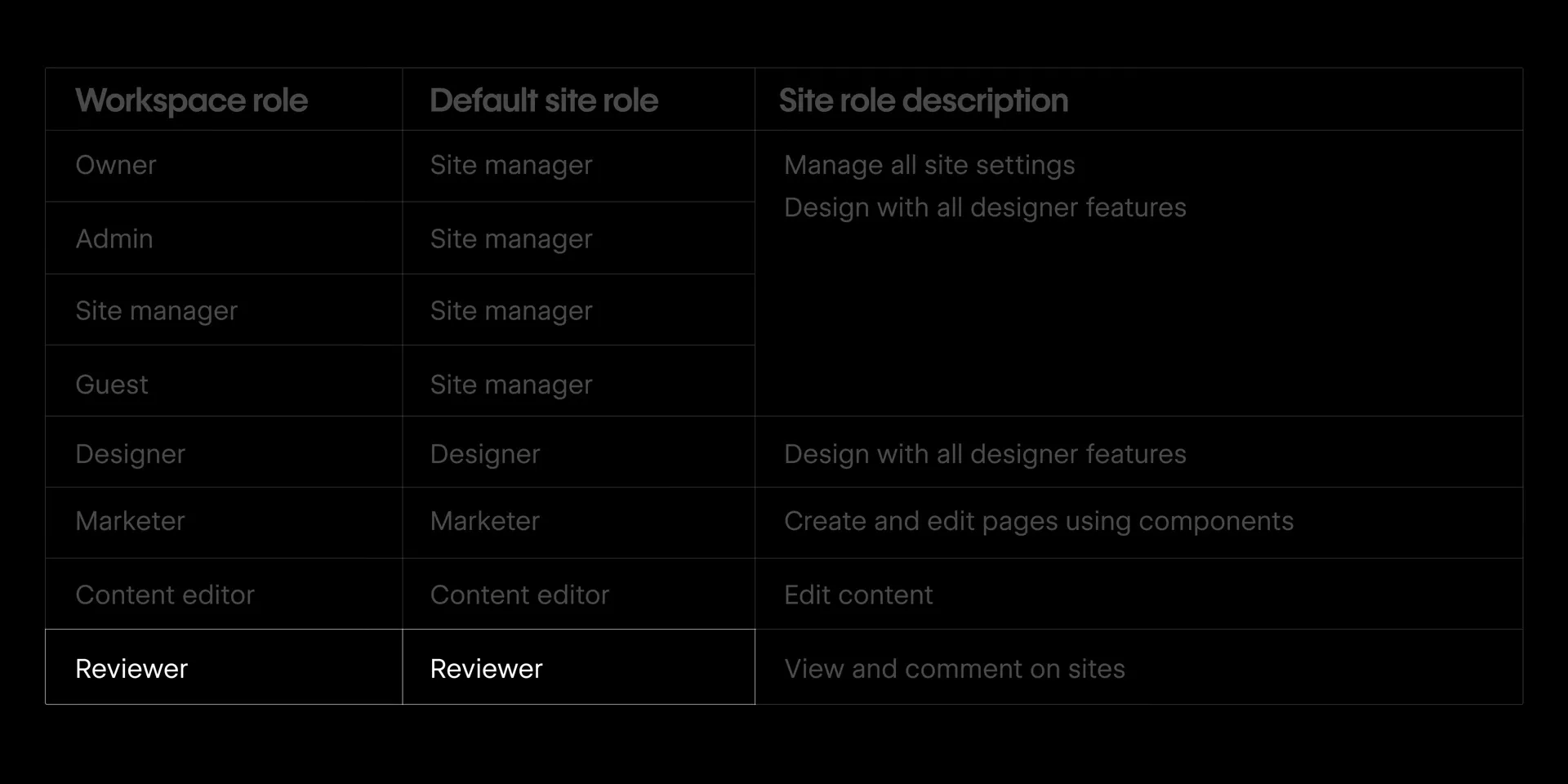
Preview roles
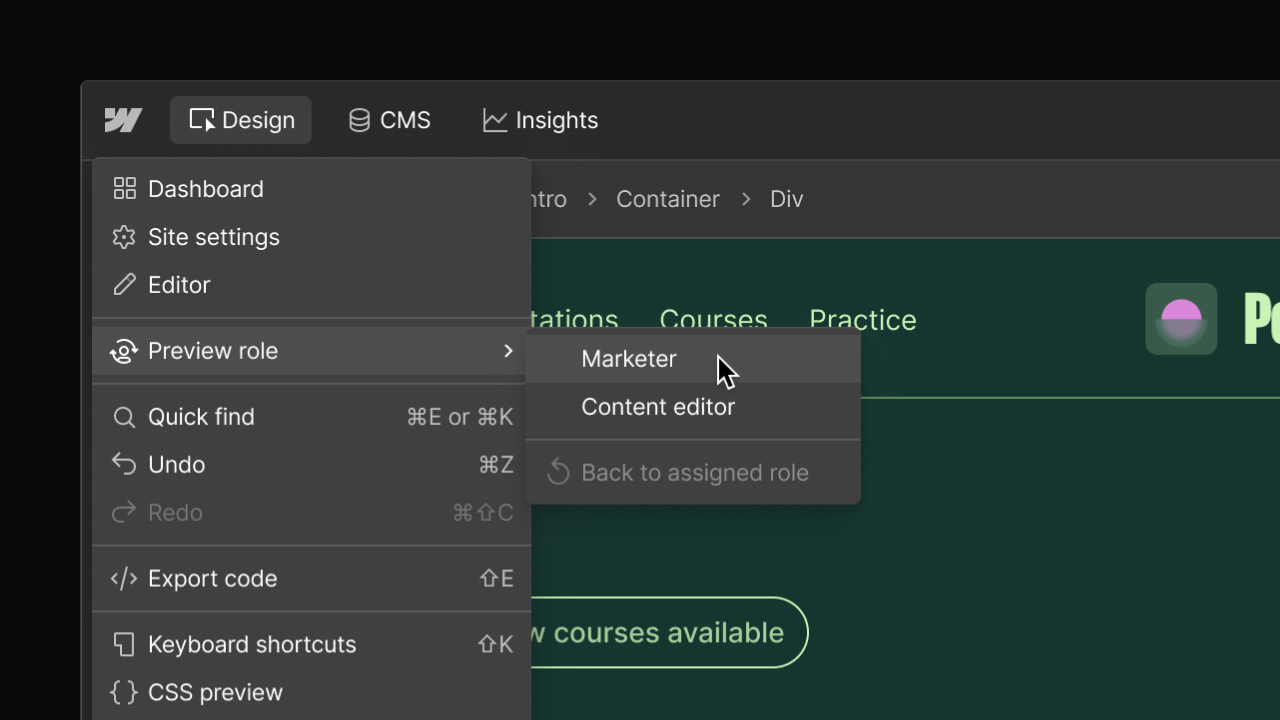
出典: Preview roles
Hosting
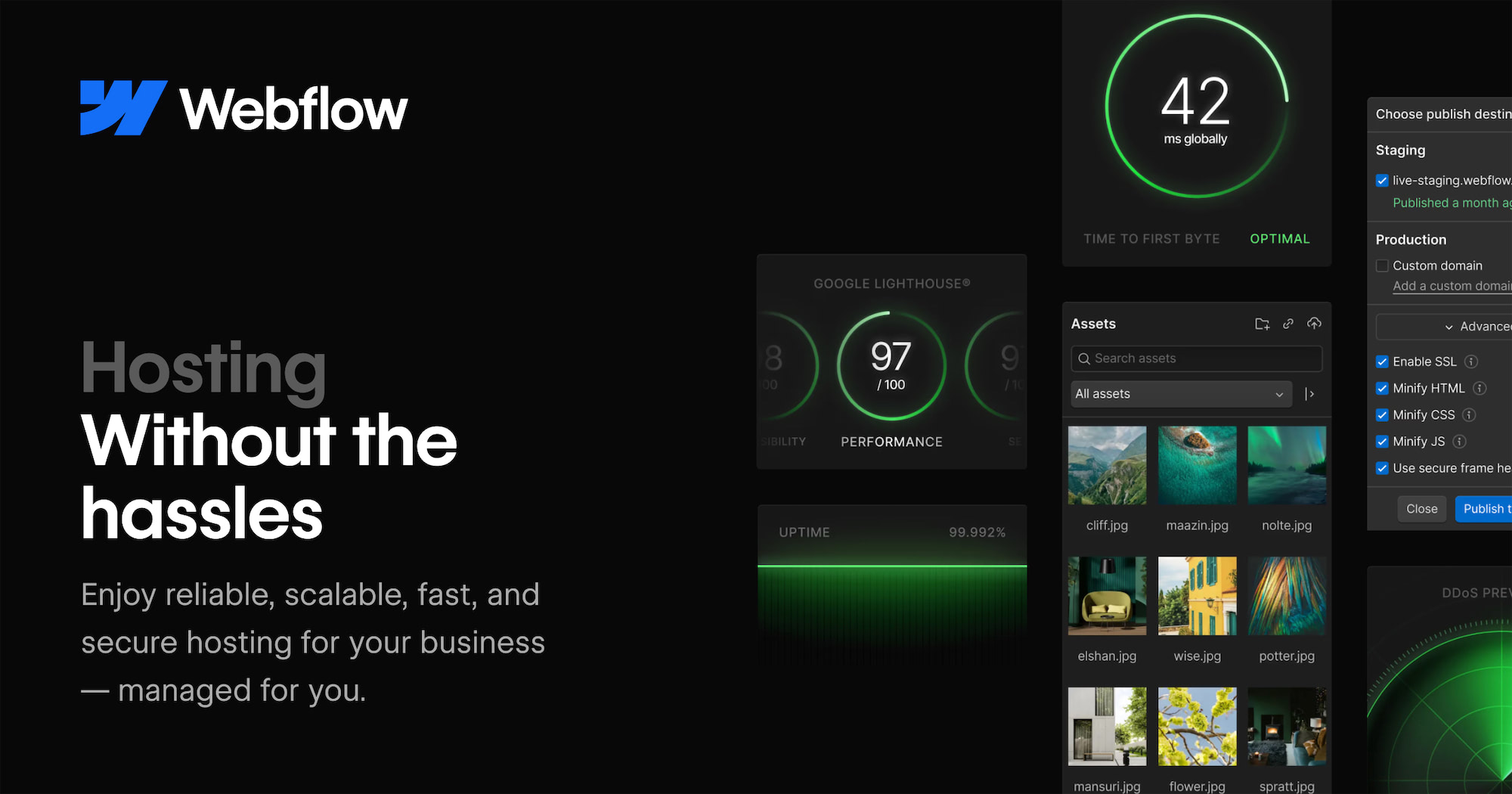
出典: Hosting features
Security

Analyze
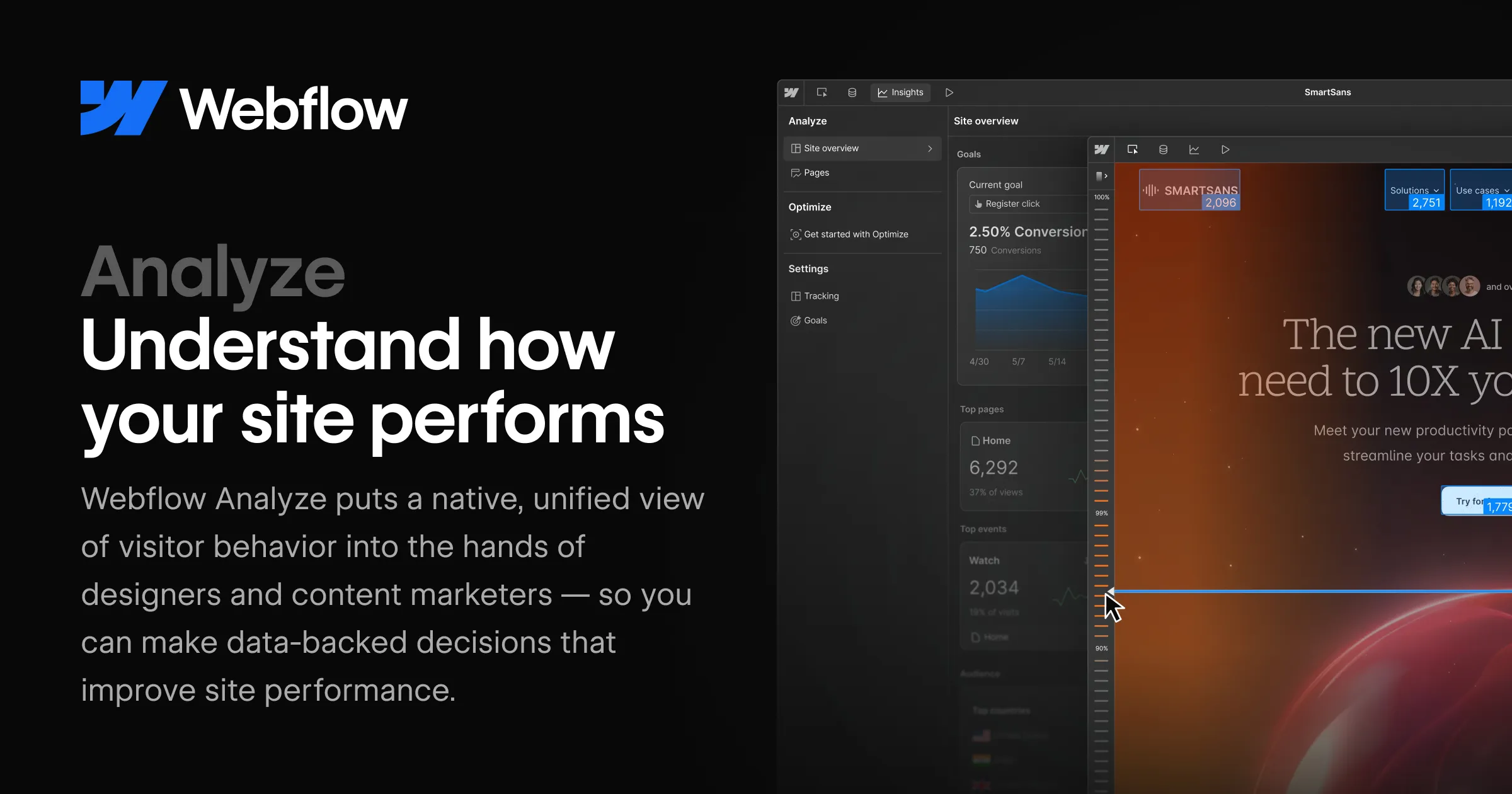
出典: Analyze features
Design
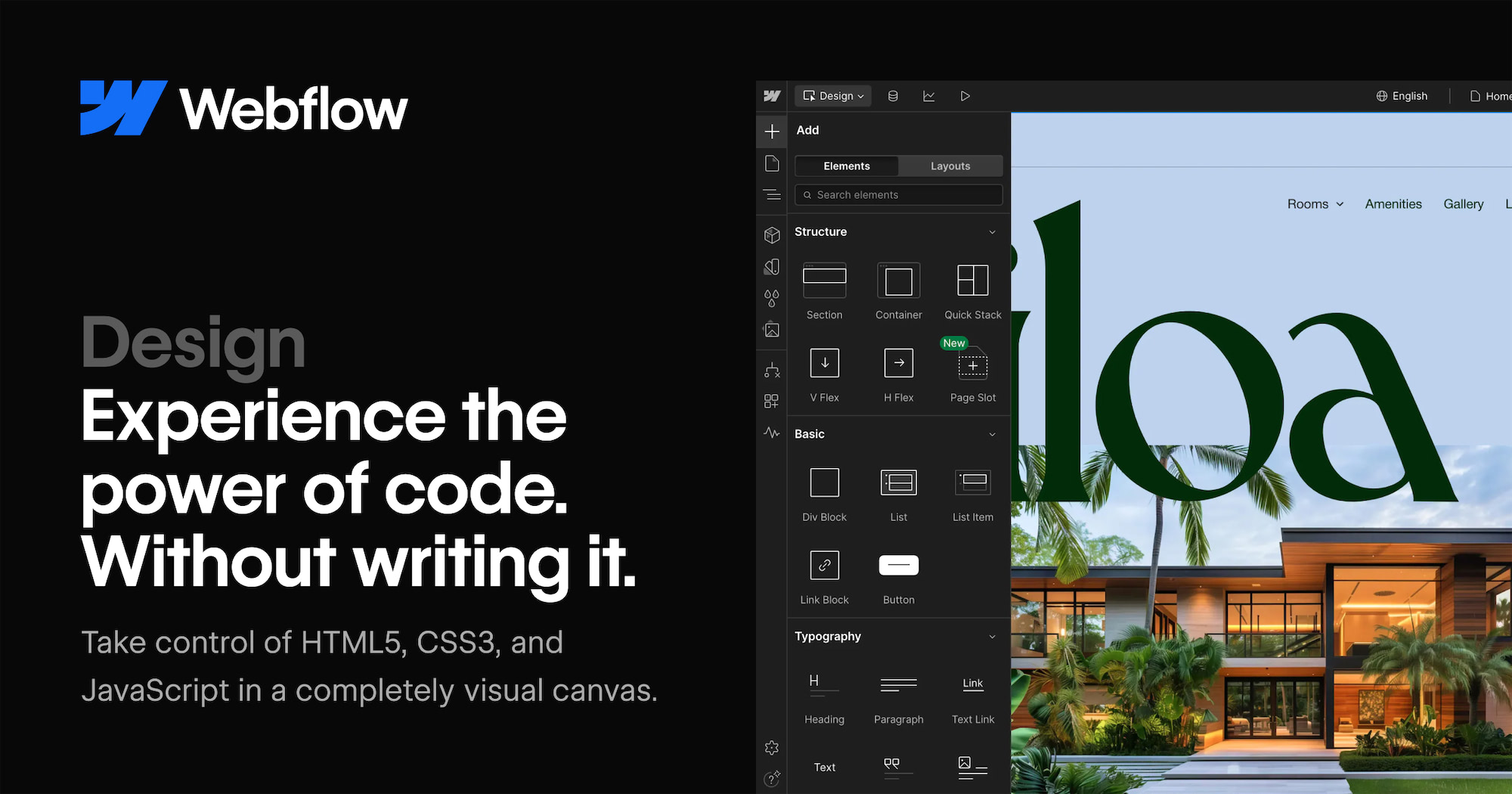
出典: Design features
公式画像を入れる場所
差し込み時の判断基準
- Webflowの一般的なUI、Content editor roleの考え方、Pages / CMS / Assets / Publishの位置関係を説明する場合は、公式画像を優先します。
- 対象サイト名、Booost固有のCollection名、実際の投稿Fieldなどを説明する場合は、Booost画面のキャプチャーを優先します。
公式画像差し込み位置
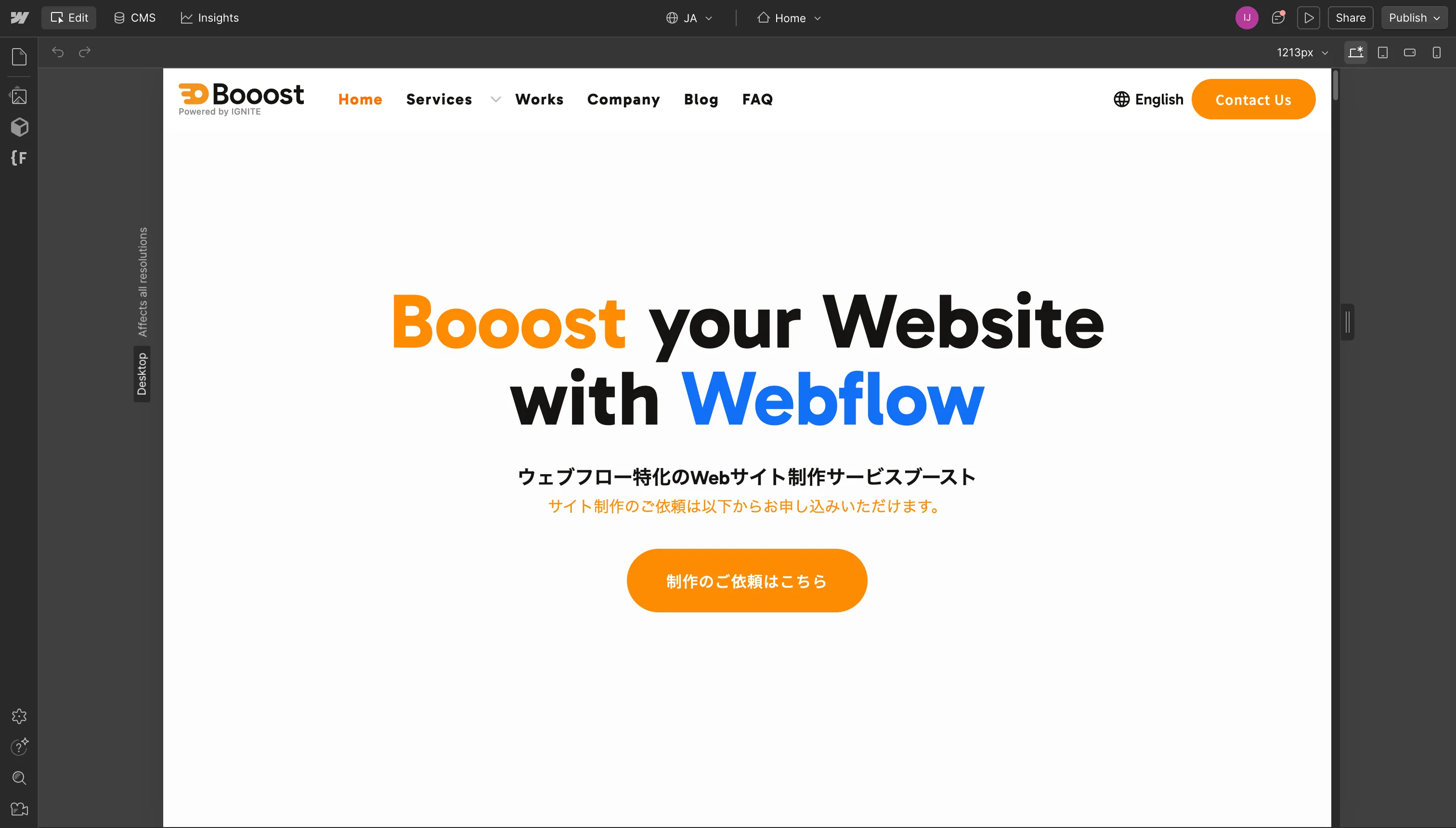
Content editor roleのcanvas全体
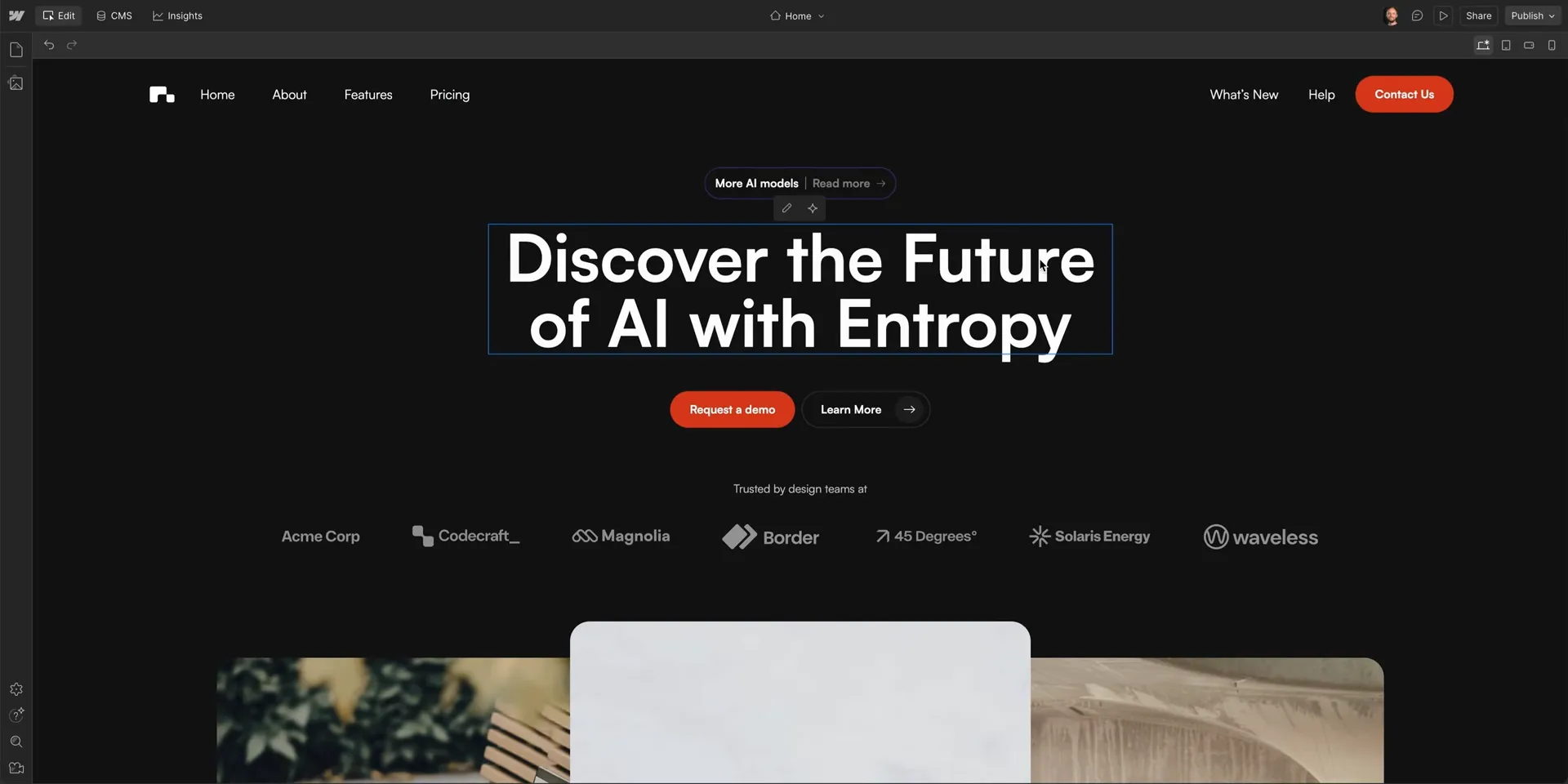
Pages / CMS / Assets / Settingsの入口
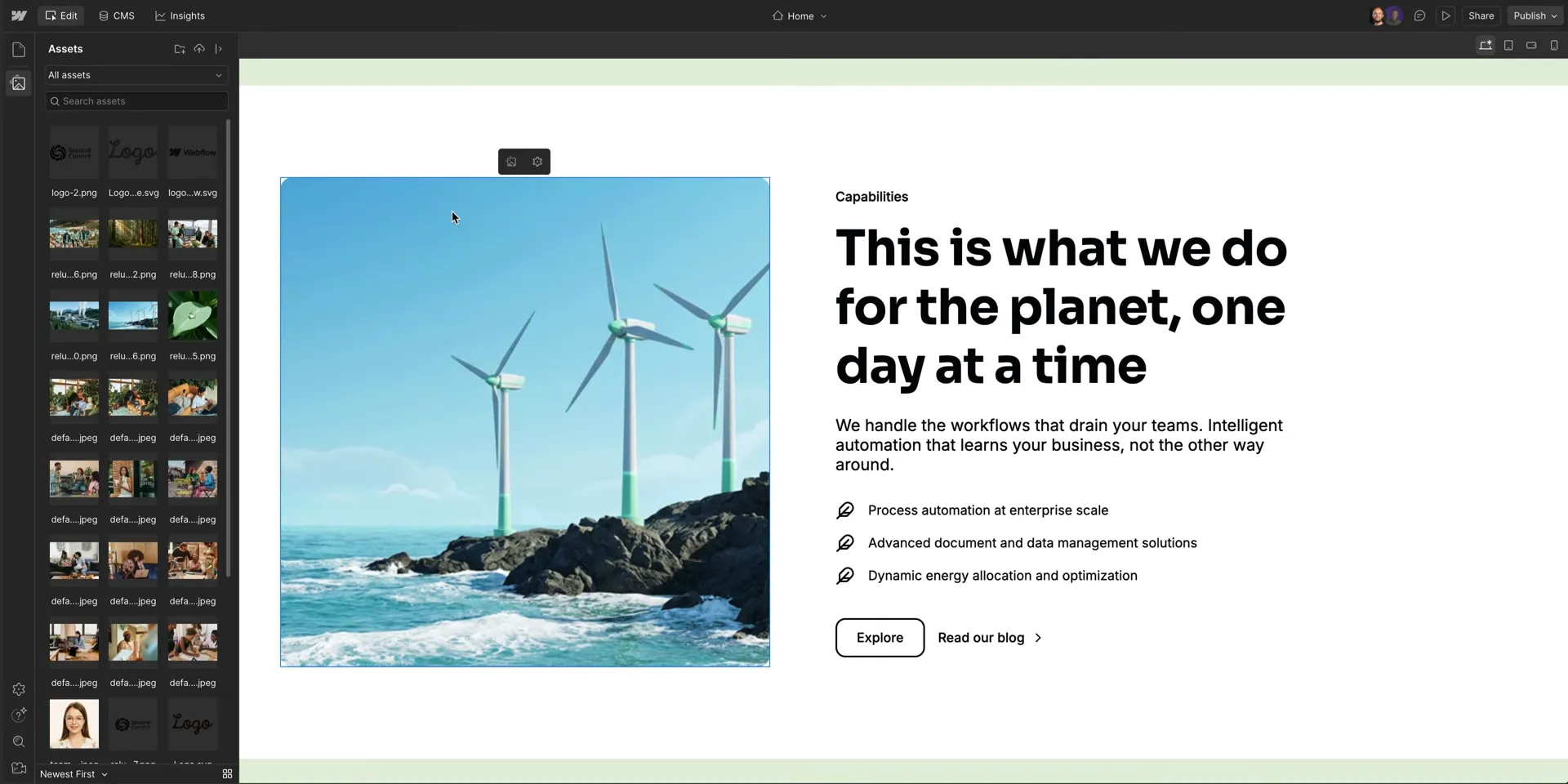
文字編集
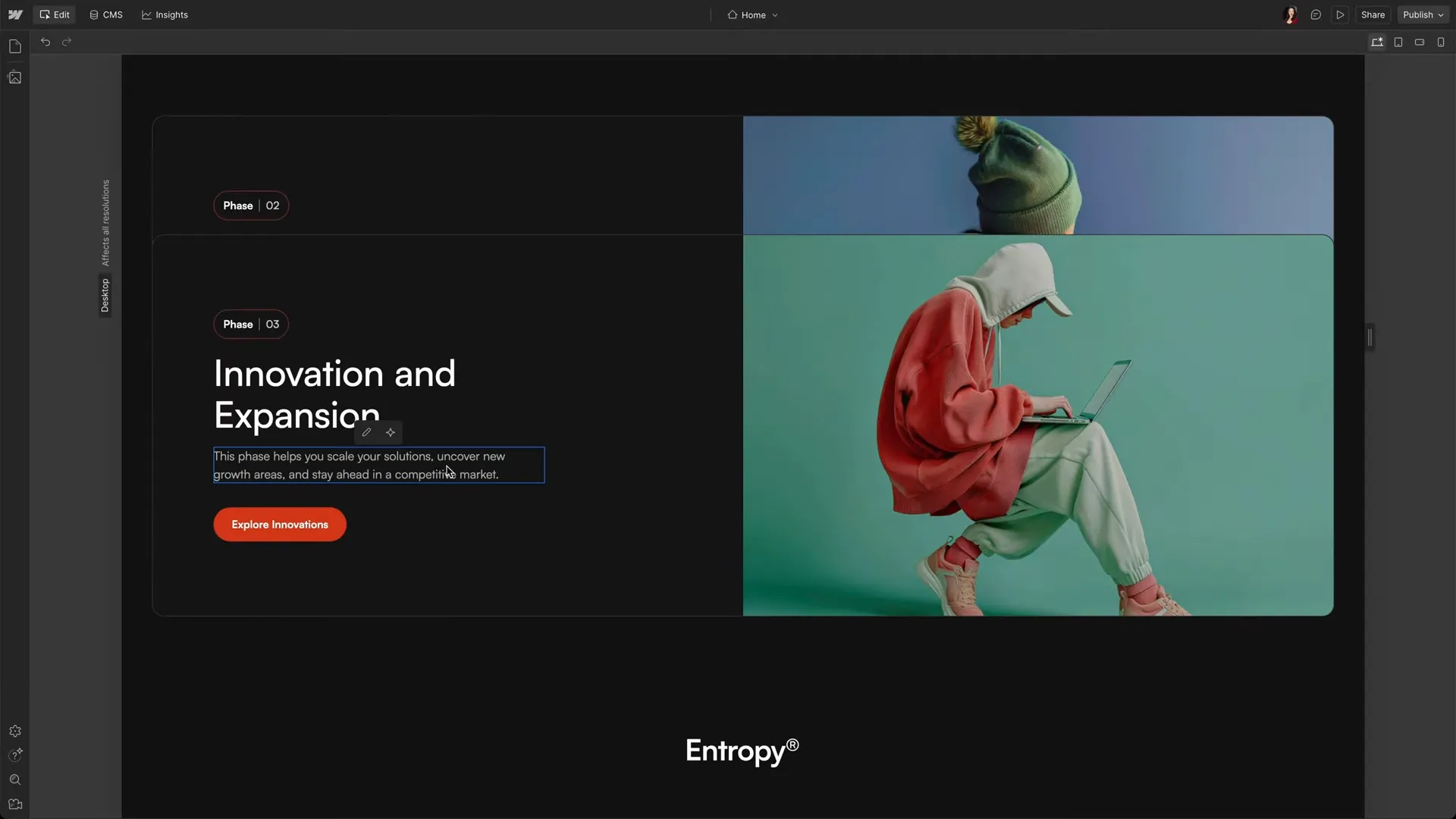
画像差し替え
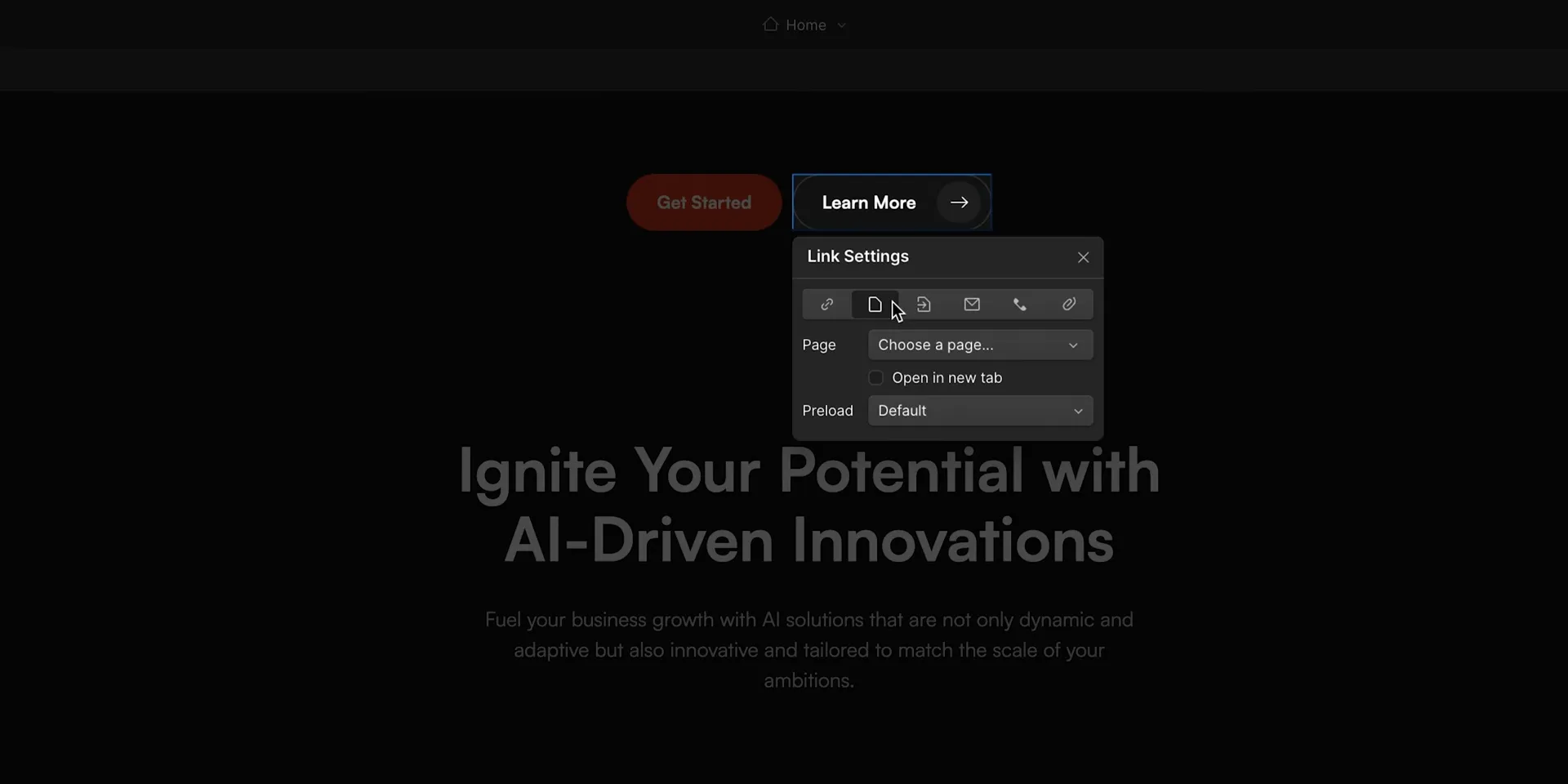
リンク編集
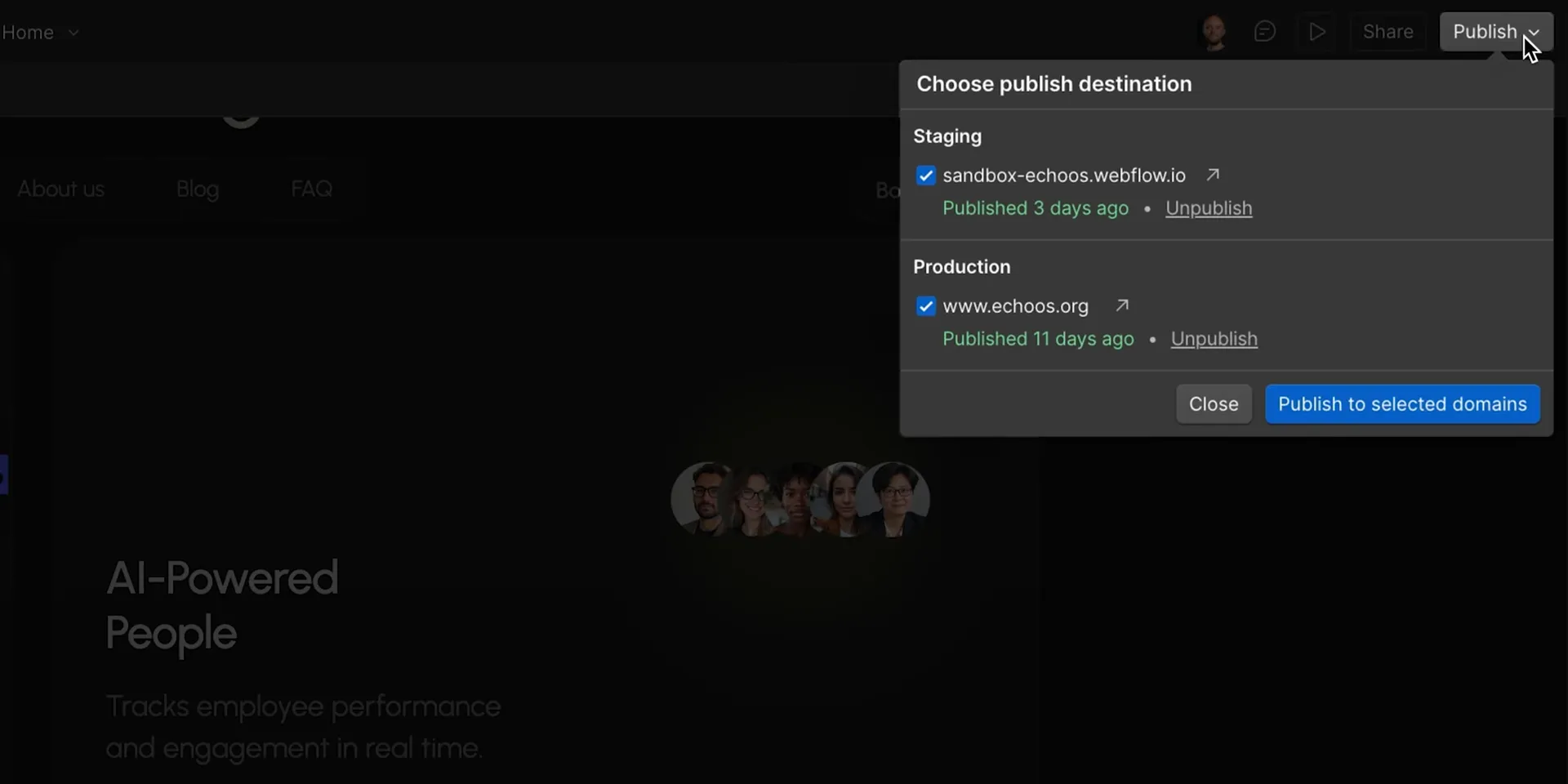
Publish
CMS公式画像
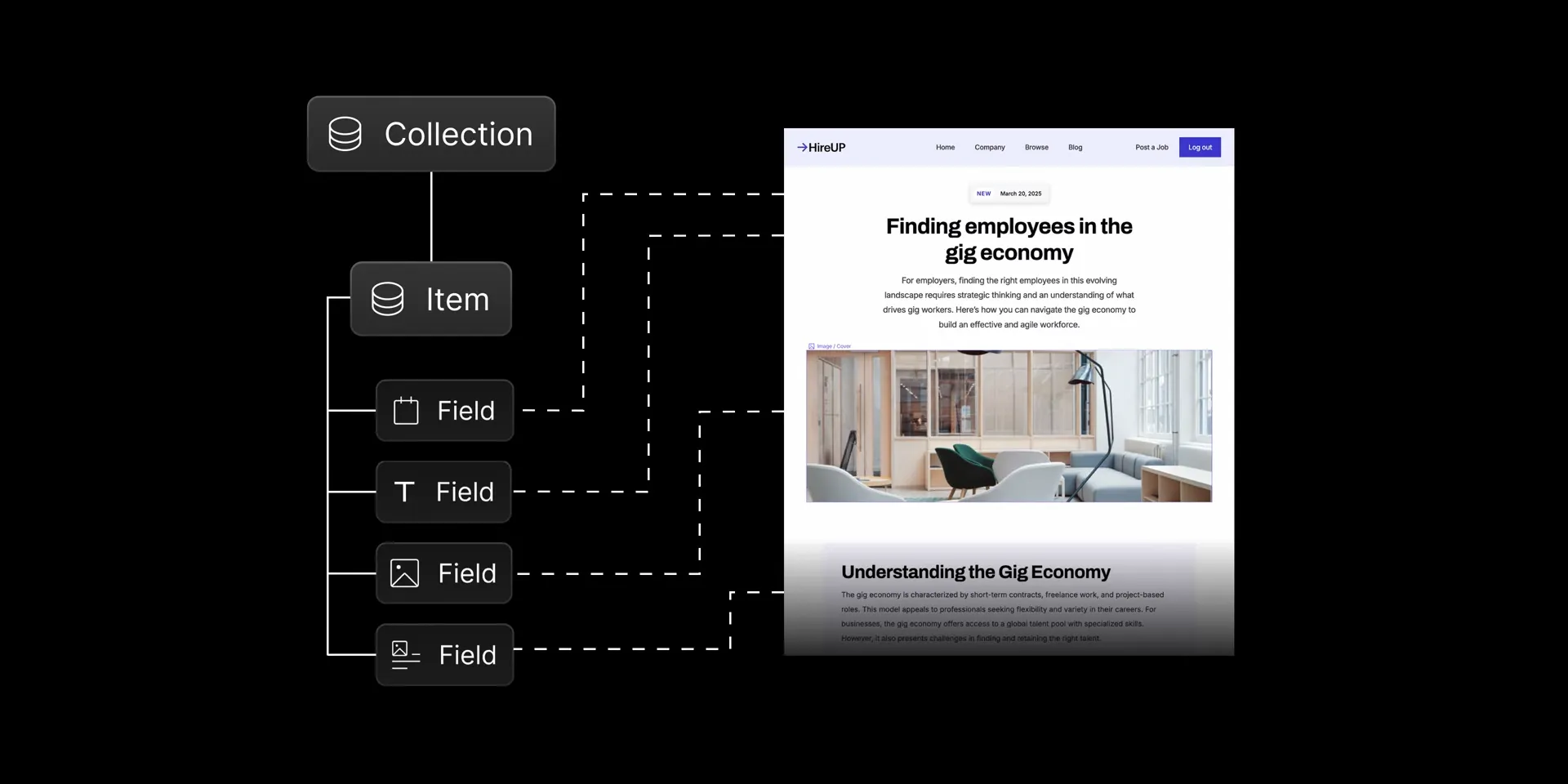
CMSの基本構造(Collection・Item・Field):
下書きと公開のワークフロー:
複数アイテムの一括公開:
SEO公式画像
Localization公式画像
Collaboration公式画像
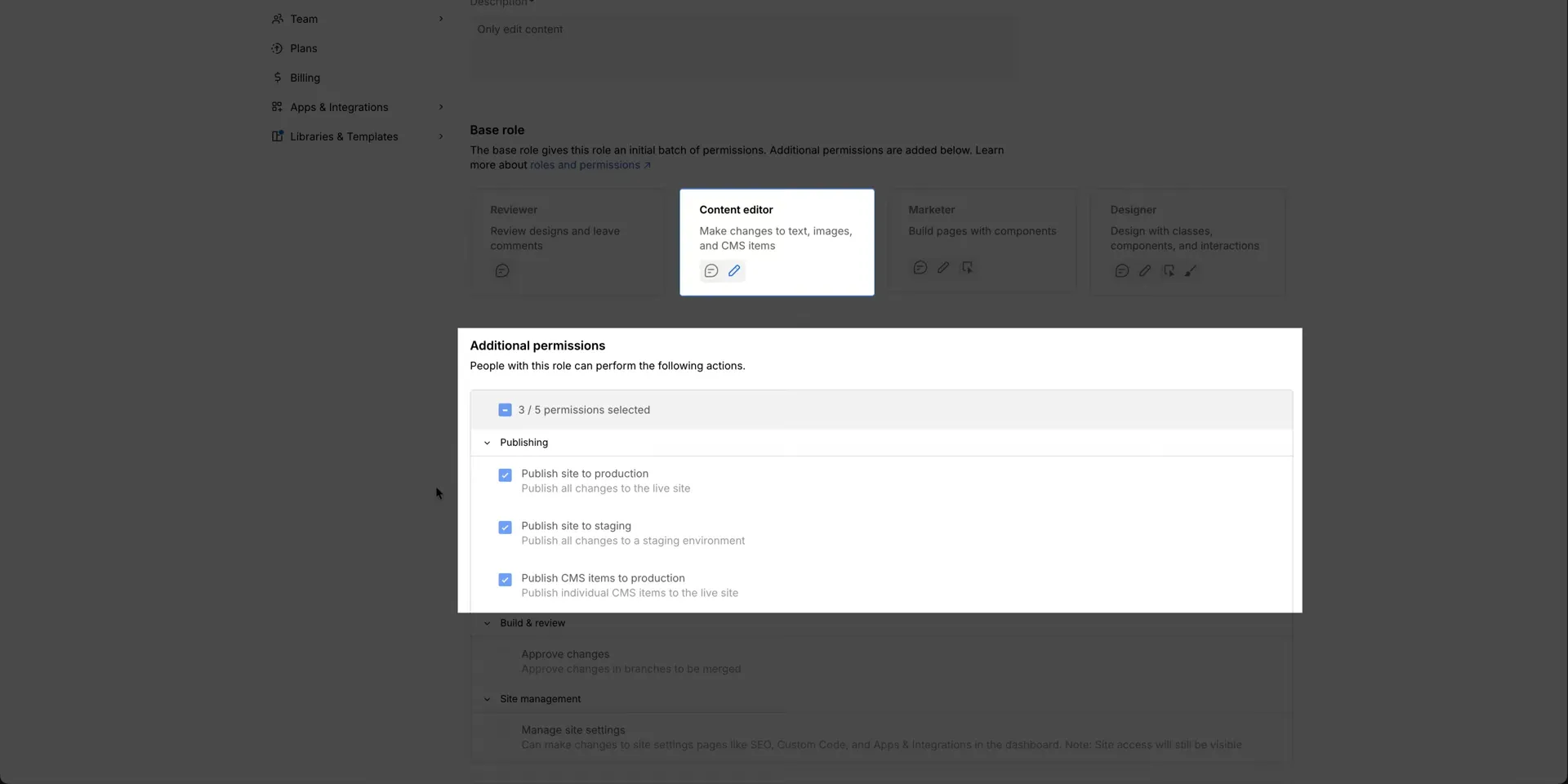
Publish / 権限 / Preview公式画像
1ページ単位の公開権限(Site access):
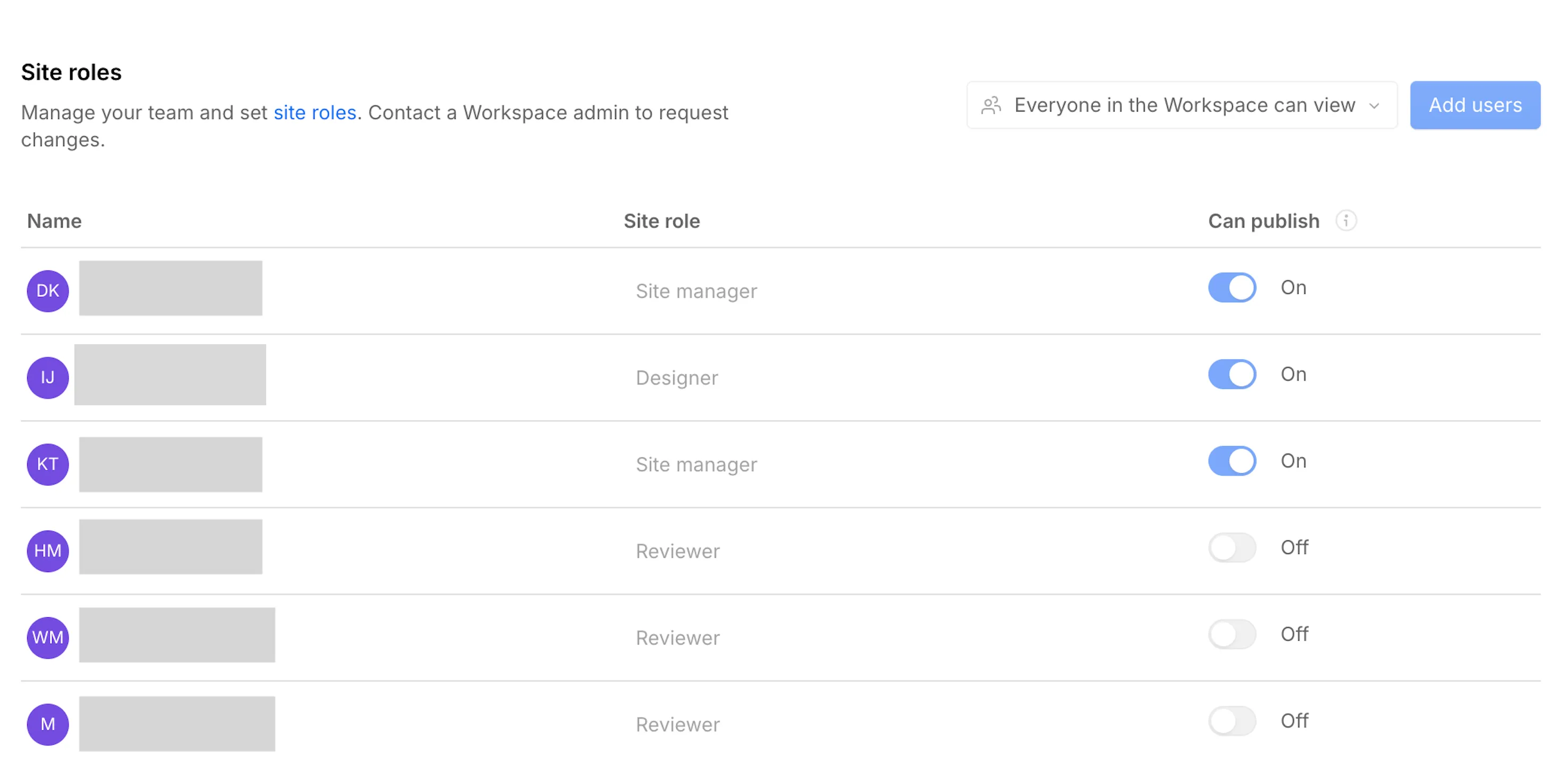
メンバーごとのCan publishトグル:
ロールごとの権限対応表(Preview roles):
Site settings / Designer / Security公式画像
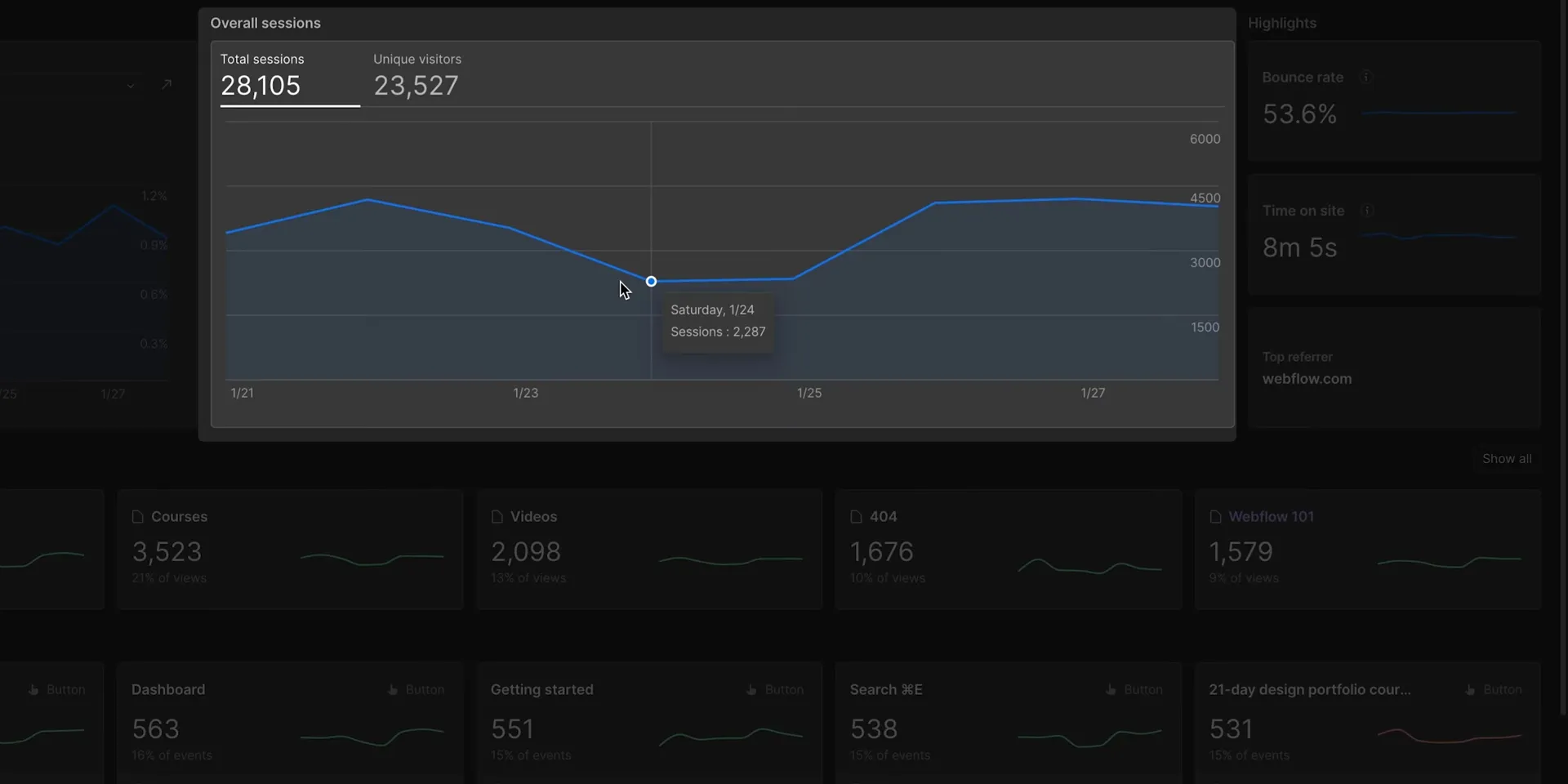
アクセス解析(Analyze):
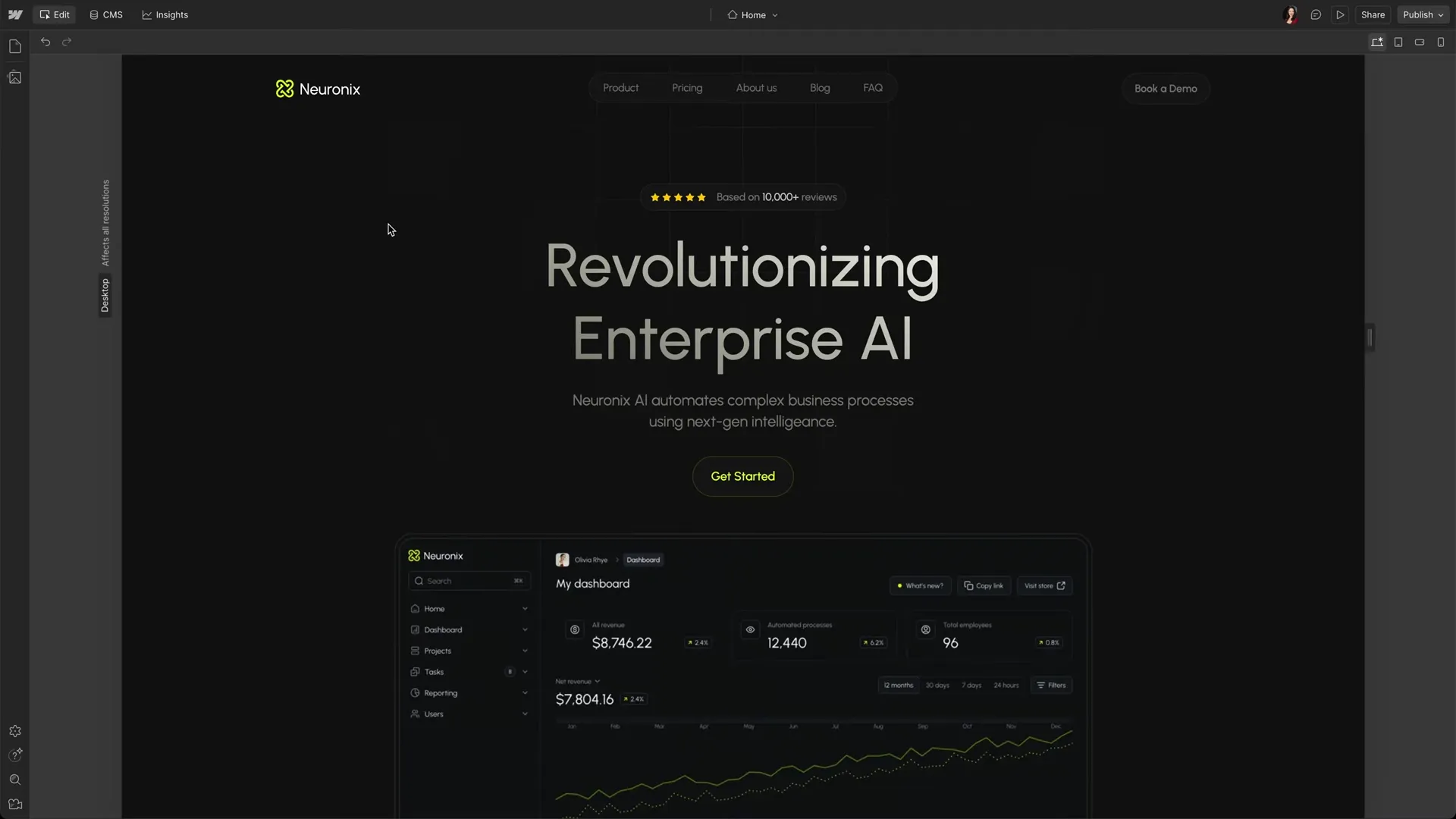
Designer編集画面の概要:
補足キャプチャ(ローカル)
カタログ表(B-18〜B-22)に対応するローカルキャプチャです。各記事への差し込み先は上の表を参照してください。
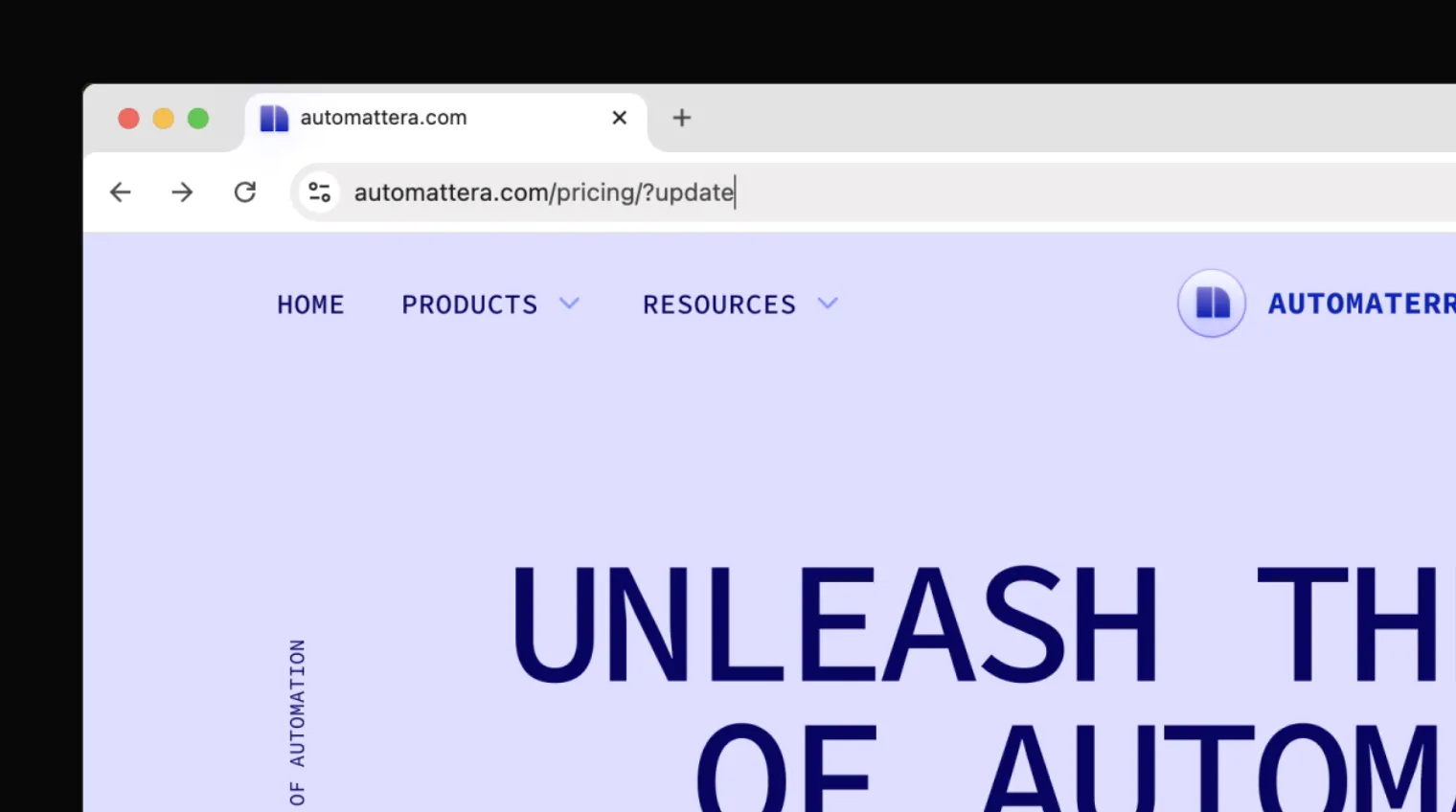
?update で直接編集画面を開く
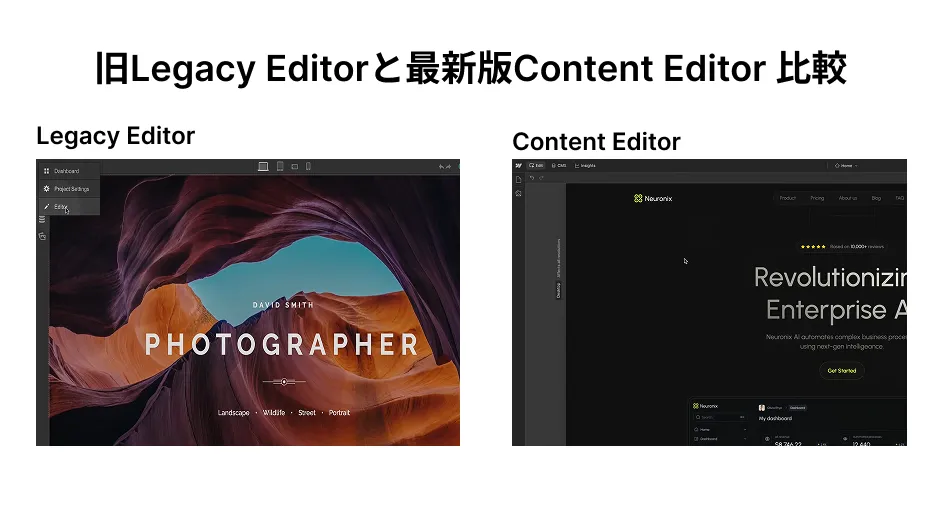
旧版との比較(補足)
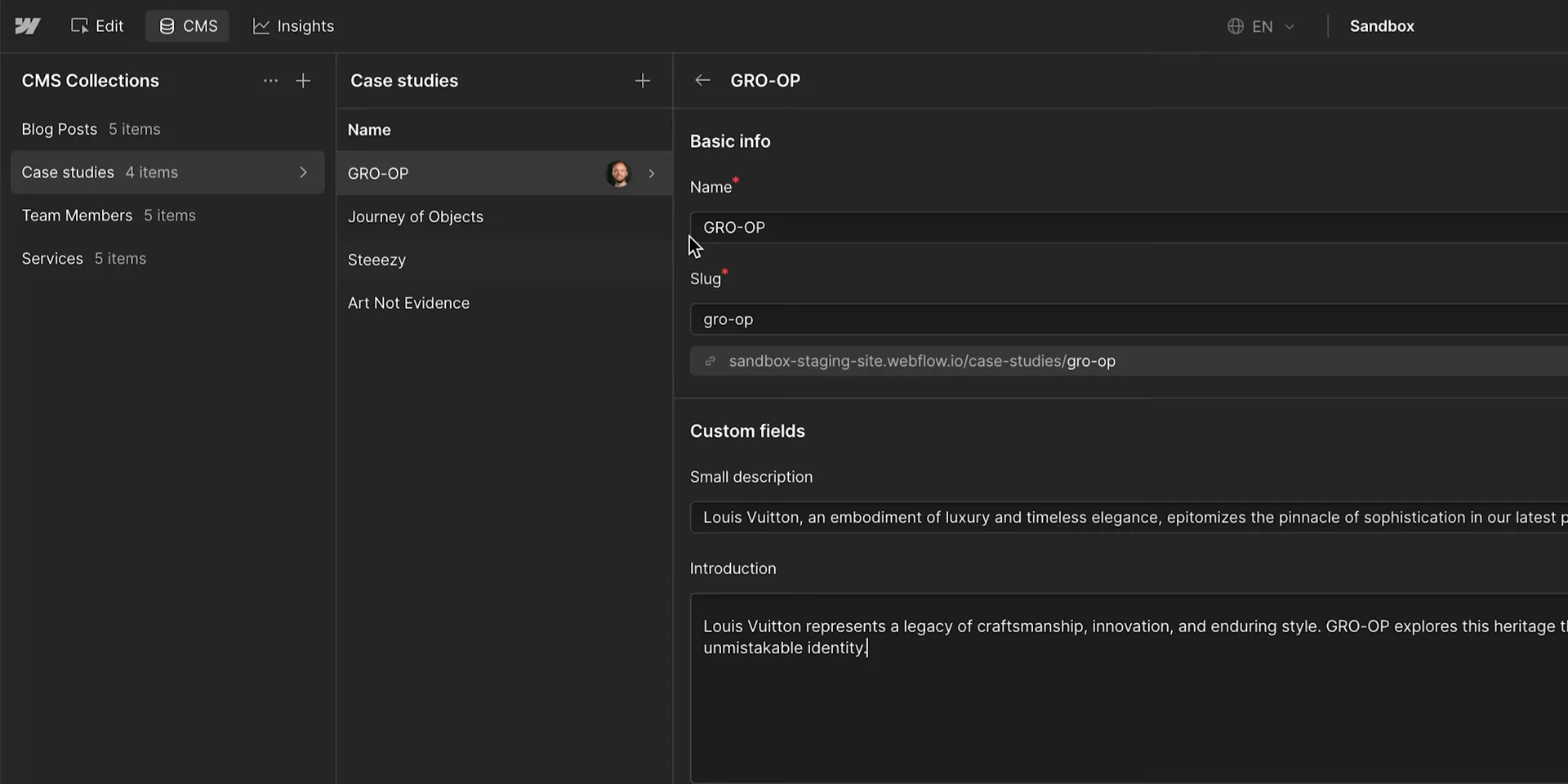
CMS itemの作成・編集
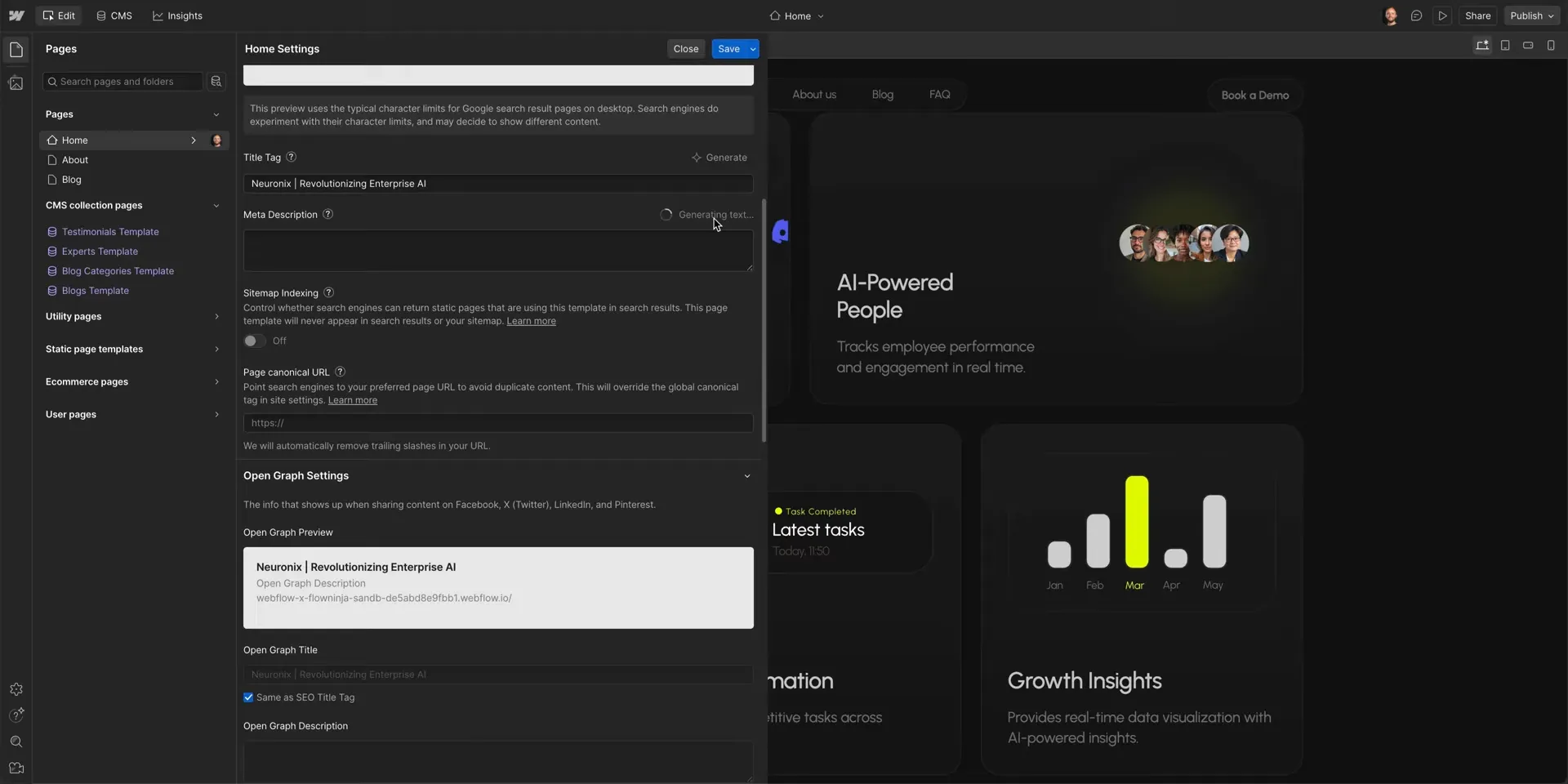
SEO / Open Graphの設定
Content editor roleの権限
公式情報
- Edit site content as a content editor
- Create and edit website content with edit mode
- CMS features
- SEO features
- Localization features
- Collaboration features
- Hosting features
- Security features
- Analyze features
- Design features
- CMS auto-save
- Improvements to the CMS Drafting and Publishing Workflow
- Publish and unpublish multiple CMS items at once
- Faster CMS item creation and undo/redo improvements
- Single page publishing
- Single page publishing access
- Next-gen CMS available for everyone
- Publishing permission toggle
- Preview roles
- Shortcut to edit your live site
- What’s the difference between the legacy Editor and content editing in Webflow?
- Create and manage custom roles